LCD Style Effect in Pixelmator

Digital LCD effects are very common but they still impress me especially in terms of light effects. The way the light gets blurry on the edges and super strong in the center is simply amazing. I have been doing this kind of effect for quite a long time but never shared exactly this one and using Pixelmator.

So in this tutorial I will show you how to create a LCD style text effect using Pixelmator. The whole process is quite simple and won’t take you more than 30 minutes.

Step 1

Open Pixelmator and create a new document. I am using 1650×1080 pixels. After that fill the background layer with #191919
LCD Style Effect in Pixelmator

Step 2

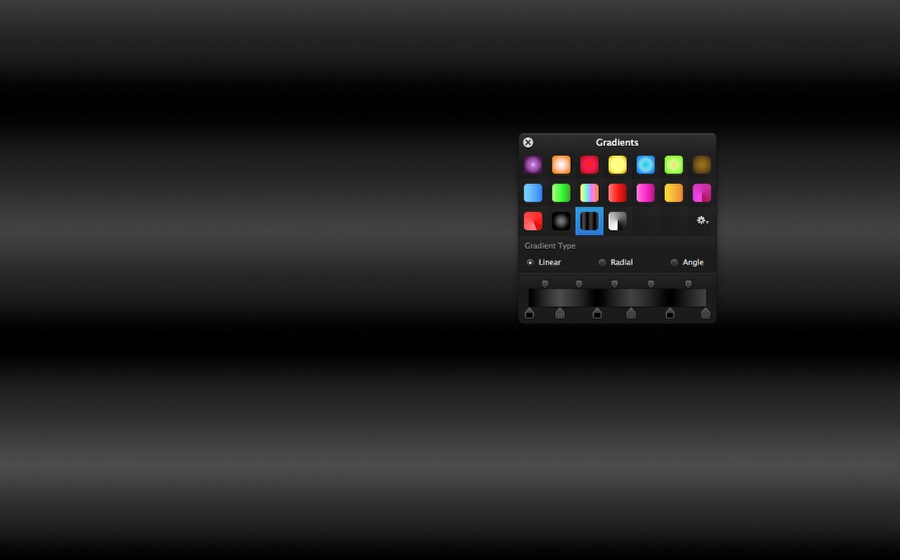
Go to View>Show Gradients. Then add an new gradient preset by clicking with the right button of the mouse on an empty slot and select New Gradient. Create a gradient using black, dark grey, black, dark grey, black and dark grey like the image below.
LCD Style Effect in Pixelmator

Step 3

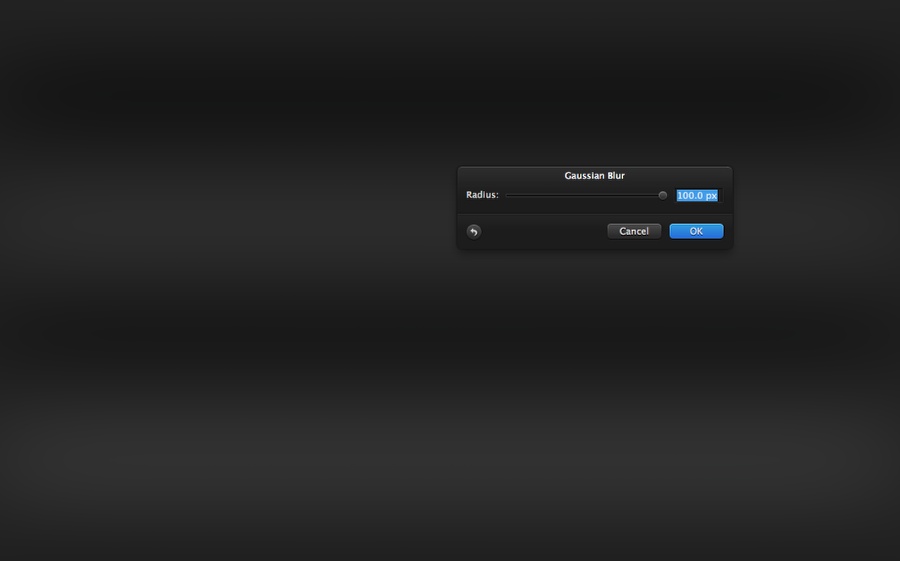
Go to Filter>Blur>Gaussian Blur. Use 100 pixels for the Radius.
LCD Style Effect in Pixelmator

Step 4

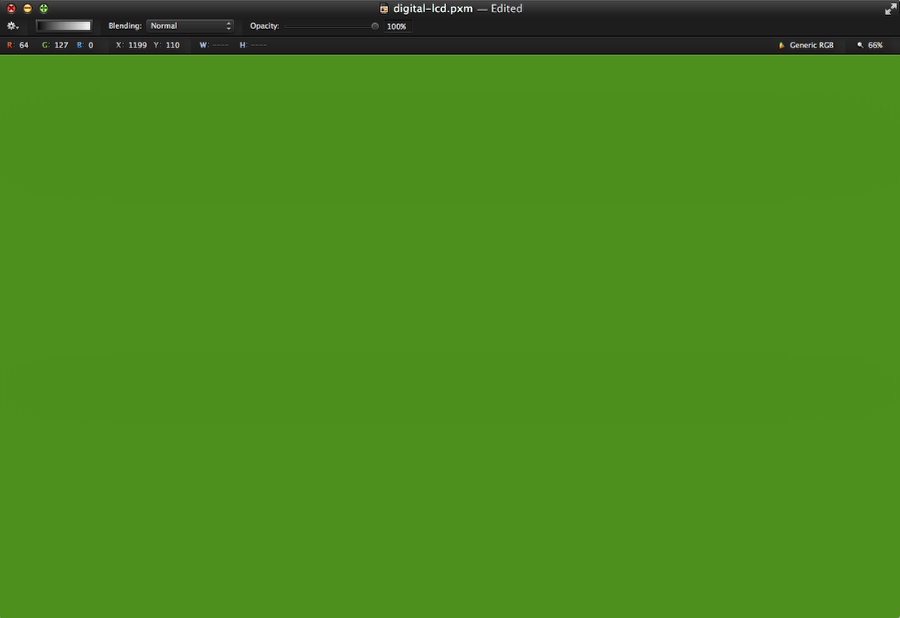
Add a new layer and using the Paint Bucket Tool (N) fill the layer with green (#3f7d00).
LCD Style Effect in Pixelmator

Step 5

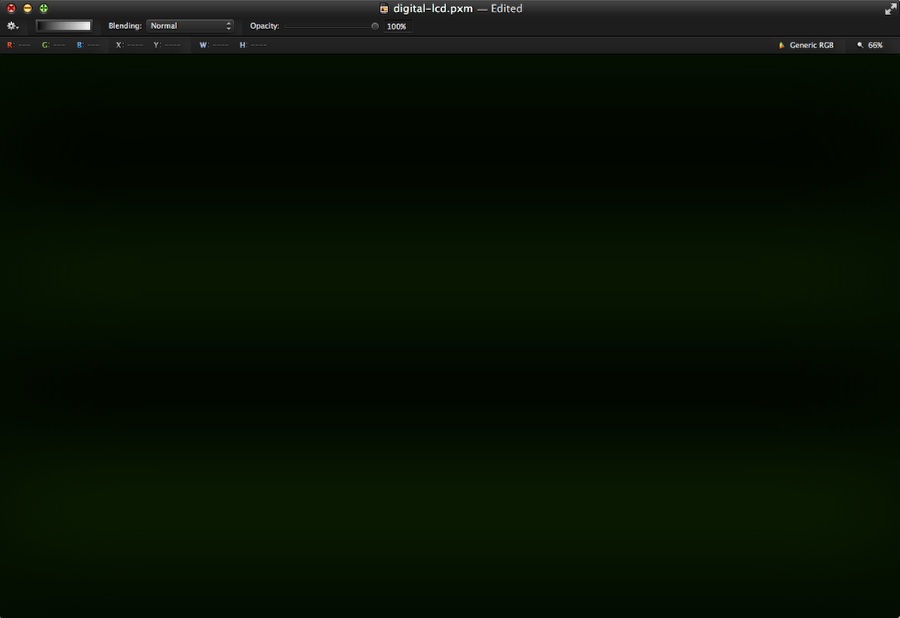
Change the blending of the green layer to Multiply at 98%.
LCD Style Effect in Pixelmator

Step 6

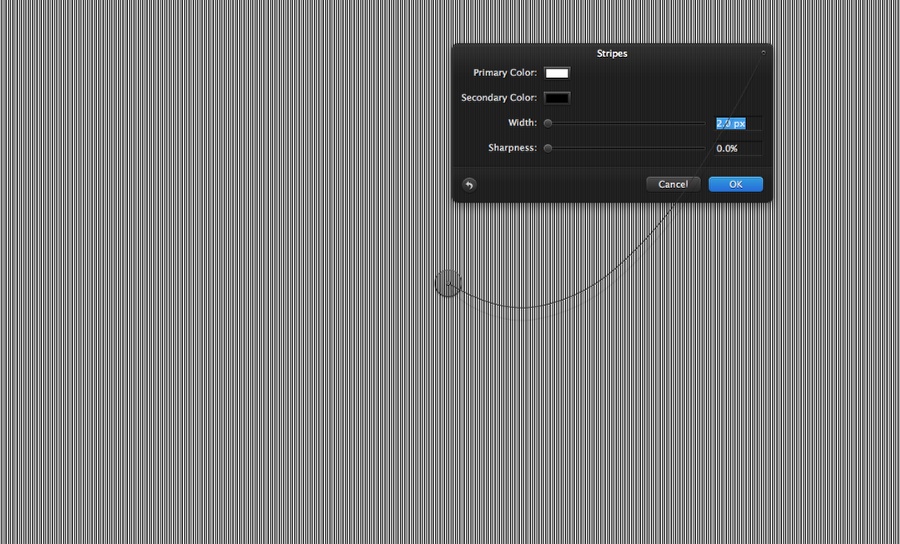
Add a new layer and go to Filter>Generator>Stripes. Use white for the Primary Color and black for the Secondary Color. Also use 2.0 pixels for the Width and 0% for the Sharpness.
LCD Style Effect in Pixelmator

Step 7

Rotate the stripes layer so you will have horizontal lines. After that change the blending to Color Dodge at 40% Opacity.

LCD Style Effect in Pixelmator

Step 8

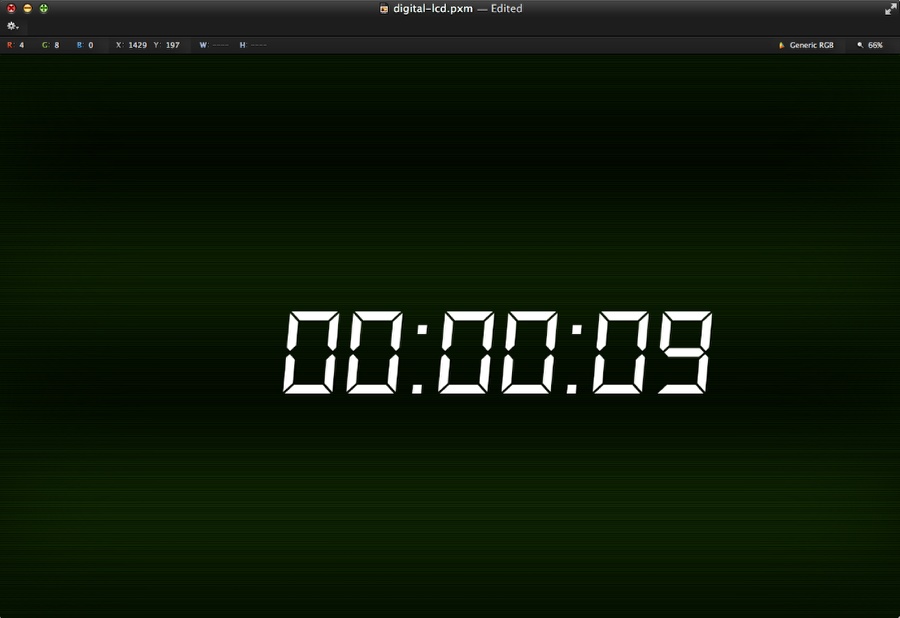
Time to add some text. I am using a font called DS-Digital. You can download it at http://www.dafont.com/ds-digital.font

After that add the text you want. I am using 00:00:09 with white for the color.
LCD Style Effect in Pixelmator

Step 9

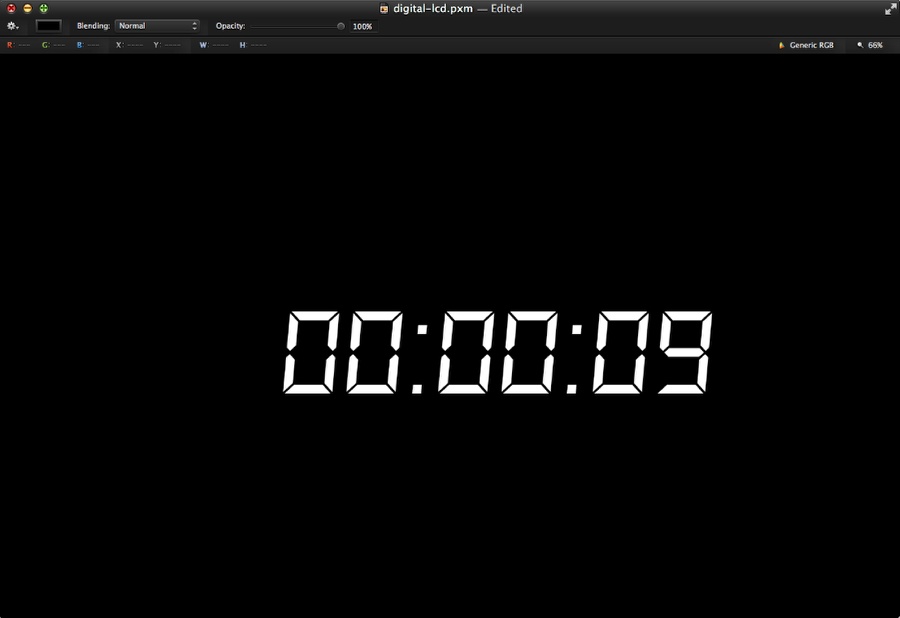
Add a new layer underneath the text layer and with the Paint Bucket Tool (N) fill the layer with black.
LCD Style Effect in Pixelmator

Step 10

Select the text and the black layer and merge them into one. After that go to Filter>Blur>Gaussian Blur. Use 7.5 pixes for the Radius.
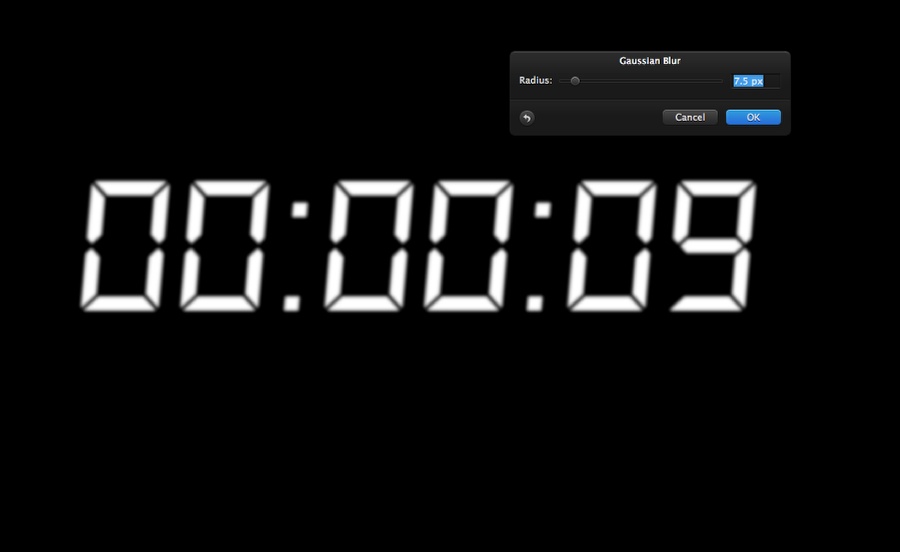
LCD Style Effect in Pixelmator

Step 11

Change the Blending of the blurry layer to Color Dodge.
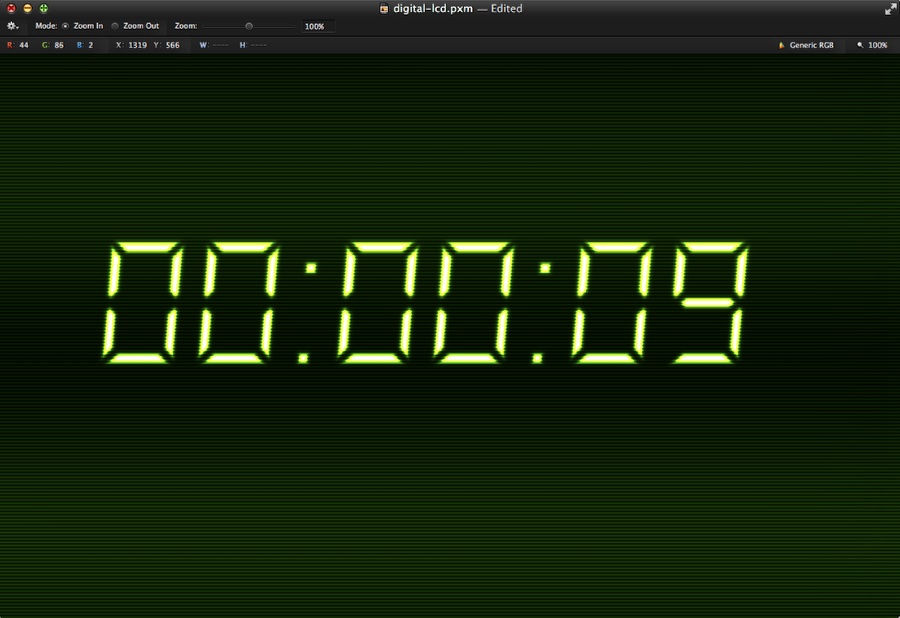
LCD Style Effect in Pixelmator

Step 12

Duplicate the layer and change the Blending to Overlay.
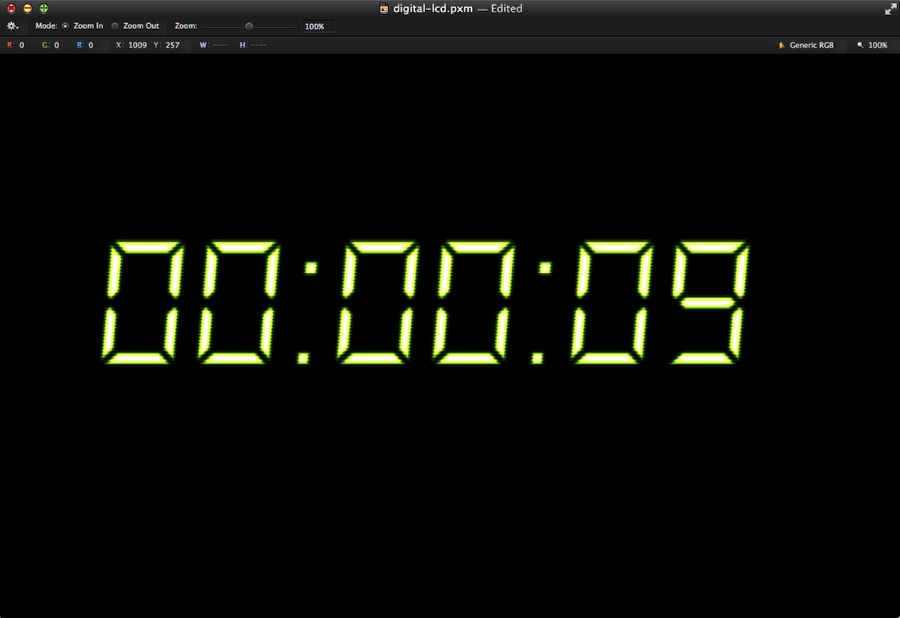
LCD Style Effect in Pixelmator

Step 13

Repeat the same process to add more text to your composition.
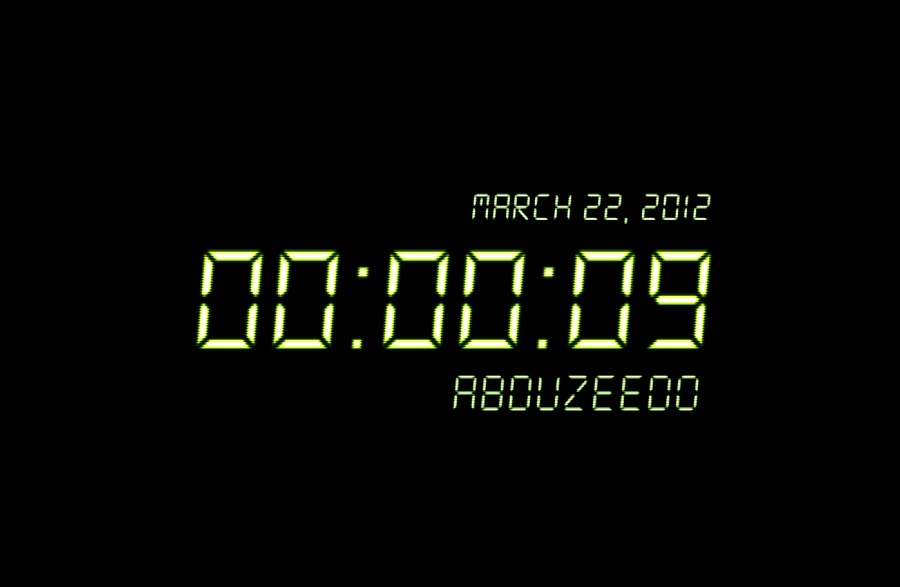
LCD Style Effect in Pixelmator

Step 14

Select all layers and duplicate them. With the new copies selected, merge them into a new one. After that go to Filter>Blur>Gaussian Blur. Use 10px for the Radius, then change the Blending to Screen at 50%. That will create a really nice and realistic glowing effect.
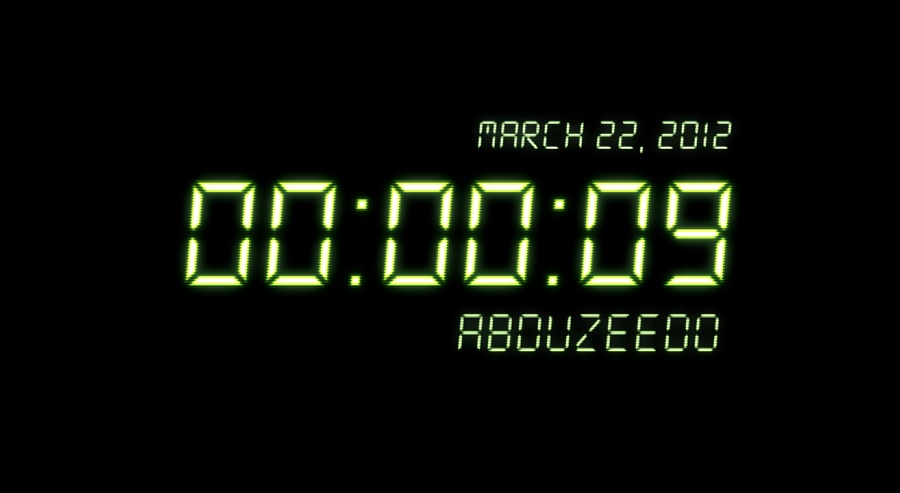
LCD Style Effect in Pixelmator

Conclusion

You can create different colors effects by simply adding different layers with different colors instead of the green one on step 4. This effect is simple but very cool for some more advanced compositions or even for some animations. Now it’s up to you to come up with your own versions.
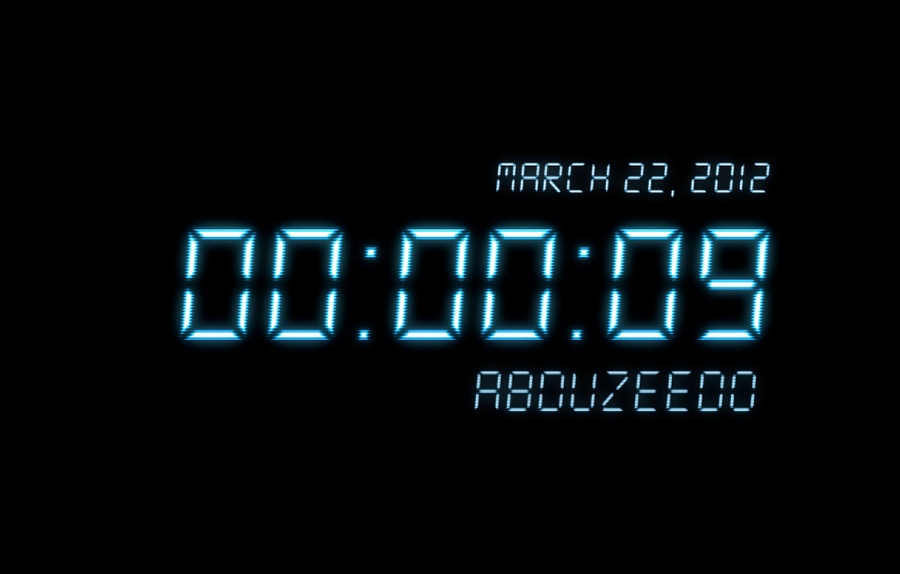
LCD Style Effect in Pixelmator

Download Pixelmator File

Click here to download the Pixelmator file used for this tutorial

About the author

Abduzeedo is a blog about design. There are all sorts of articles for those who want to look for inspiration. Also you will find very useful tutorials for the most used applications out there, with a special selection of Photoshop Tutorials and Illustrator Tutorials. You can get in follow us via Twitter at @abduzeedo

Sponsored Links:


Abduzeedo Inspiration Guide for Designers at Amazon

Posted in Blog | Comments Off on LCD Style Effect in Pixelmator

Daily Inspiration #1088

This post is part of our daily series of posts showing the most inspiring images selected by some of the Abduzeedo’s writers and users. If you want to participate and share your graphic design inspiration, You can submit your images and inspiration to RAWZ via http://raw.abduzeedo.com and don’t forget to send your Abduzeedo username; or via Twitter sending to http://twitter.com/abduzeedo.

Do you want to see all images from all Daily Inspirations? Check out http://daily.abduzeedo.com

2colorideas

Digital art selected for the Daily Inspiration #1088

adamwitton

Digital art selected for the Daily Inspiration #1088

al b sure

Digital art selected for the Daily Inspiration #1088

Digital art selected for the Daily Inspiration #1088

Digital art selected for the Daily Inspiration #1088

Alen Lipuš

Digital art selected for the Daily Inspiration #1088

Andrey

Digital art selected for the Daily Inspiration #1088

Digital art selected for the Daily Inspiration #1088

Digital art selected for the Daily Inspiration #1088

Artful

Digital art selected for the Daily Inspiration #1088

Artists Inspire Artists

Digital art selected for the Daily Inspiration #1088

Digital art selected for the Daily Inspiration #1088

Digital art selected for the Daily Inspiration #1088

Ayinde Frederick

Digital art selected for the Daily Inspiration #1088

abacalhar

Digital art selected for the Daily Inspiration #1088

Digital art selected for the Daily Inspiration #1088

Digital art selected for the Daily Inspiration #1088

Digital art selected for the Daily Inspiration #1088

Bizon

Digital art selected for the Daily Inspiration #1088

Bogdan Sandu

Digital art selected for the Daily Inspiration #1088

Digital art selected for the Daily Inspiration #1088

Carletto chilet davanzo

Digital art selected for the Daily Inspiration #1088

Digital art selected for the Daily Inspiration #1088

Digital art selected for the Daily Inspiration #1088

clubhaus

Digital art selected for the Daily Inspiration #1088

Digital art selected for the Daily Inspiration #1088

Digital art selected for the Daily Inspiration #1088

Digital art selected for the Daily Inspiration #1088

Cosmin Sandu

Digital art selected for the Daily Inspiration #1088

cuded

Digital art selected for the Daily Inspiration #1088

Digital art selected for the Daily Inspiration #1088

Digital art selected for the Daily Inspiration #1088

Digital art selected for the Daily Inspiration #1088

dayinspiration

Digital art selected for the Daily Inspiration #1088

dbltap

Digital art selected for the Daily Inspiration #1088

designaemporter

Digital art selected for the Daily Inspiration #1088

Digital art selected for the Daily Inspiration #1088

Digital art selected for the Daily Inspiration #1088

Edipo Costa

Digital art selected for the Daily Inspiration #1088

Elorm Purixt Agbemehin

Digital art selected for the Daily Inspiration #1088

esotericmindzet

Digital art selected for the Daily Inspiration #1088

Digital art selected for the Daily Inspiration #1088

falcordigital

Digital art selected for the Daily Inspiration #1088

fixedupcomic

Digital art selected for the Daily Inspiration #1088

fksd

Digital art selected for the Daily Inspiration #1088

flotucci

Digital art selected for the Daily Inspiration #1088

Gavin Morley

Digital art selected for the Daily Inspiration #1088

g3rs0n

Digital art selected for the Daily Inspiration #1088

Digital art selected for the Daily Inspiration #1088

Grzegorz Biermanski

Digital art selected for the Daily Inspiration #1088

inspirationfeed

Digital art selected for the Daily Inspiration #1088

Digital art selected for the Daily Inspiration #1088

Digital art selected for the Daily Inspiration #1088

Digital art selected for the Daily Inspiration #1088

joanasilvaphotodesign

Digital art selected for the Daily Inspiration #1088

Digital art selected for the Daily Inspiration #1088

Digital art selected for the Daily Inspiration #1088

Digital art selected for the Daily Inspiration #1088

Jon Nyquist

Digital art selected for the Daily Inspiration #1088

k.lewandowski

Digital art selected for the Daily Inspiration #1088

lazyeyegraphics

Digital art selected for the Daily Inspiration #1088

Let me be inspired

Digital art selected for the Daily Inspiration #1088

nenuno

Digital art selected for the Daily Inspiration #1088

Digital art selected for the Daily Inspiration #1088

Digital art selected for the Daily Inspiration #1088

nicolasberlin

Digital art selected for the Daily Inspiration #1088

obscr

Digital art selected for the Daily Inspiration #1088

Omar Reda

Digital art selected for the Daily Inspiration #1088

onurmehame

Digital art selected for the Daily Inspiration #1088

pk

Digital art selected for the Daily Inspiration #1088

Digital art selected for the Daily Inspiration #1088

Digital art selected for the Daily Inspiration #1088

Pokkisam

Digital art selected for the Daily Inspiration #1088

Digital art selected for the Daily Inspiration #1088

Profeta999

Digital art selected for the Daily Inspiration #1088

Digital art selected for the Daily Inspiration #1088

Digital art selected for the Daily Inspiration #1088

Digital art selected for the Daily Inspiration #1088

Ramiro Vila da vila

Digital art selected for the Daily Inspiration #1088

RAMONN90

Digital art selected for the Daily Inspiration #1088

rebins

Digital art selected for the Daily Inspiration #1088

Russ Robinson

Digital art selected for the Daily Inspiration #1088

sa3n

Digital art selected for the Daily Inspiration #1088

samberlin

Digital art selected for the Daily Inspiration #1088

Samy Boutefah

Digital art selected for the Daily Inspiration #1088

Digital art selected for the Daily Inspiration #1088

Digital art selected for the Daily Inspiration #1088

Digital art selected for the Daily Inspiration #1088

seff01

Digital art selected for the Daily Inspiration #1088

thaeger

Digital art selected for the Daily Inspiration #1088

Digital art selected for the Daily Inspiration #1088

Digital art selected for the Daily Inspiration #1088

Digital art selected for the Daily Inspiration #1088

WhatAnART

Digital art selected for the Daily Inspiration #1088

Digital art selected for the Daily Inspiration #1088

Digital art selected for the Daily Inspiration #1088

About the author

I’m from Brazil, co-founder of Zee with Fabio. Nowadays I like to play with Fireworks, Photoshop and improve my skills in CSS. If you wanna request some posts, please feel free to contact me or follow on Twitter.

Sponsored Links:


Abduzeedo Inspiration Guide for Designers at Amazon

Posted in Blog | Comments Off on Daily Inspiration #1088