I should have done this tutorial sometime ago as Happy Tree Friends is already a old animation series (it was lauched in 2000), but it still really fresh. As everyone who enjoy this series, the contrast between the cuteness of the characters and the violence and gore that they get into it’s what made this series a classic.
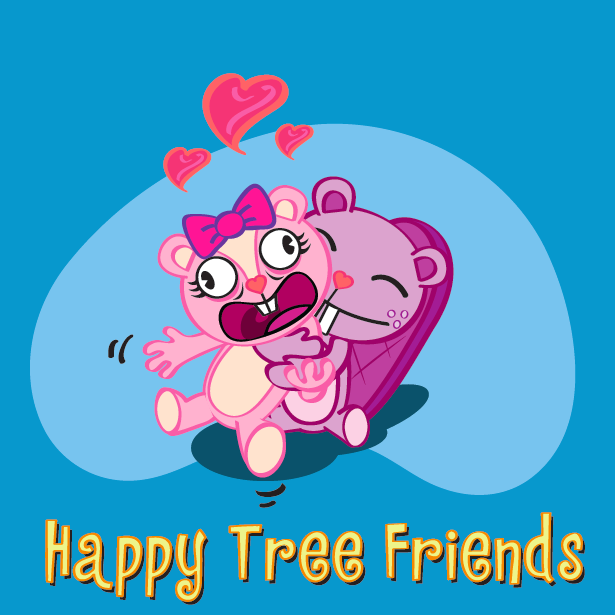
Just in case you have never seen it before here’s a link. Now talking about the tutorial: I decided to not be gore as the series and so this image is way more softer. Anyway, this is a beginner tutorial, so no one should get any trouble on doing it, have fun guys.
Step 1
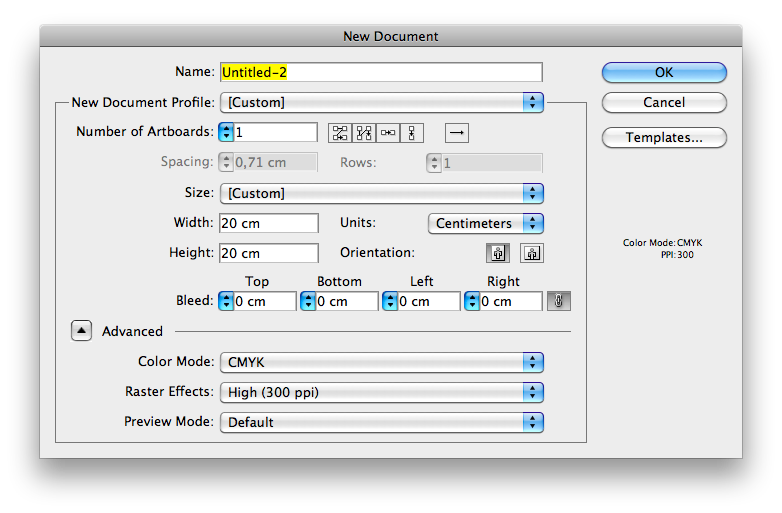
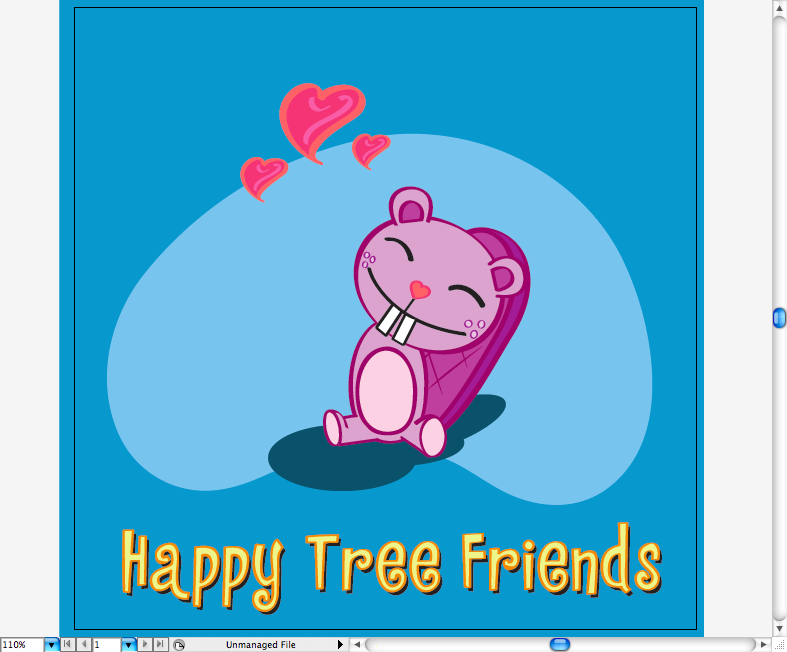
First of all open Adobe Illustrator and create a 20 x 20 cm canvas.
Later, using the rectangle tool (M) make a blue square on the background.
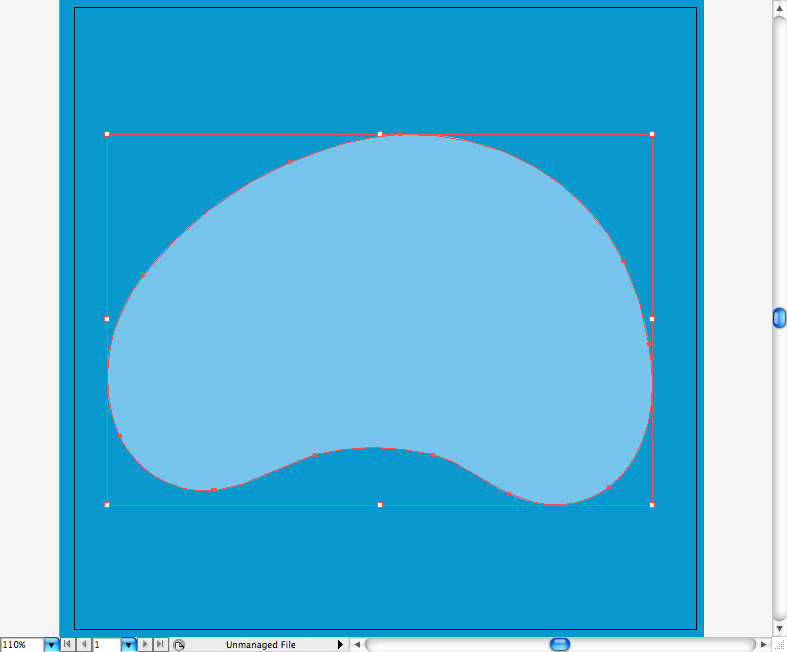
Using the pencil tool (N) or the pen tool (P) create this round shape on the background, it may look randomic but htis kind of shapes are classicaly used on retro cartoons.
Step 2
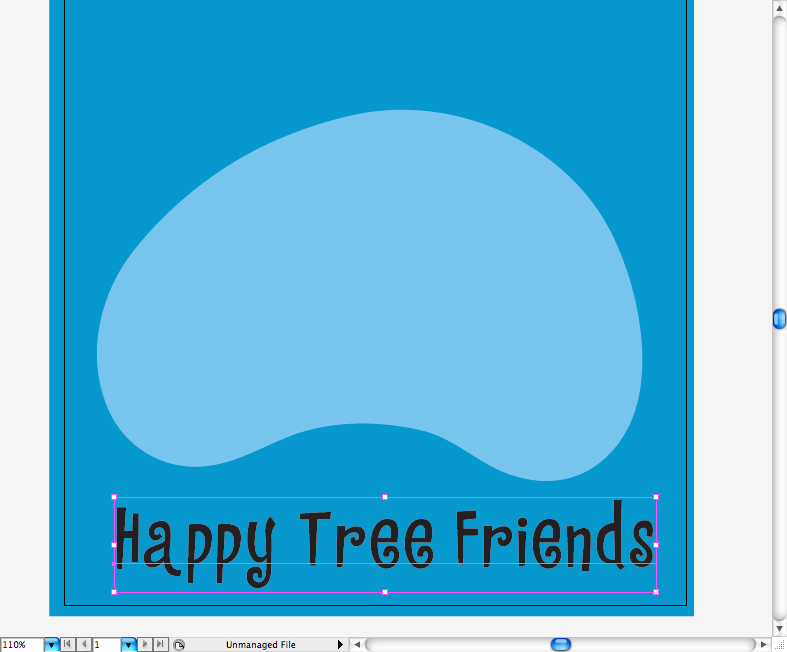
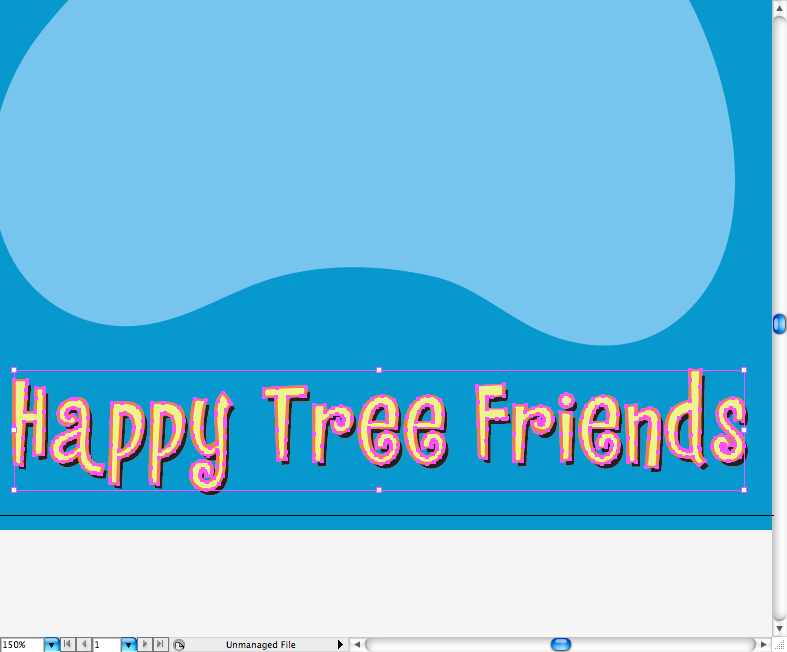
Let’s skip to the title, you can grab the typeface used on this link. I wrote the name of the show then outlined the font (command + shift + O / ctrl + shift + O).
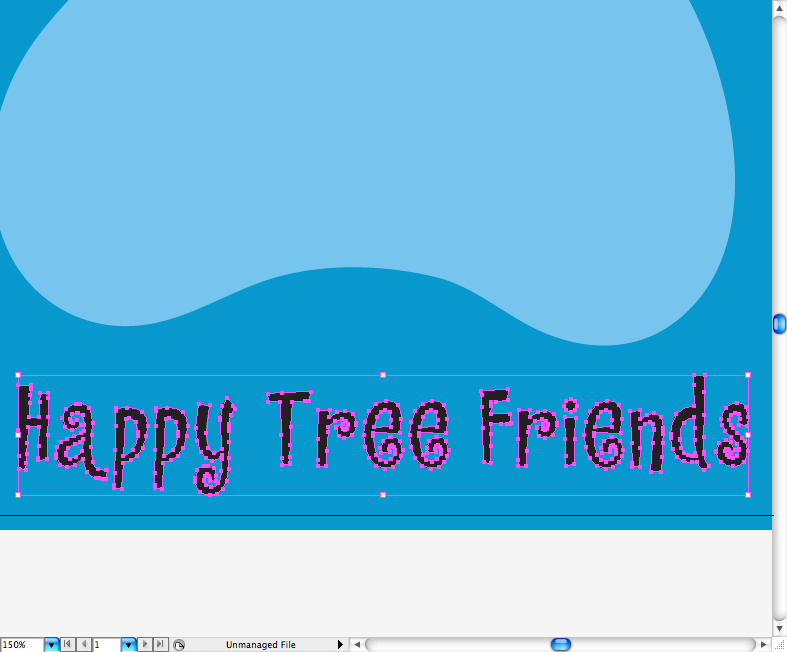
I duplicated it and sent to front a version with a orange outline and yellow fill
Step 3
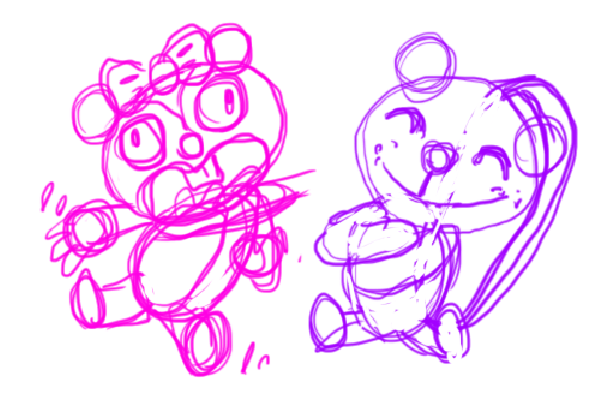
Ok, before going to illustrator I decided to sketch a bit and besides the fact my sketches got really ugly, I got a main idea for the following steps. So, my idea was to make Toothy hugging Giggles strongly almost suffocating her.
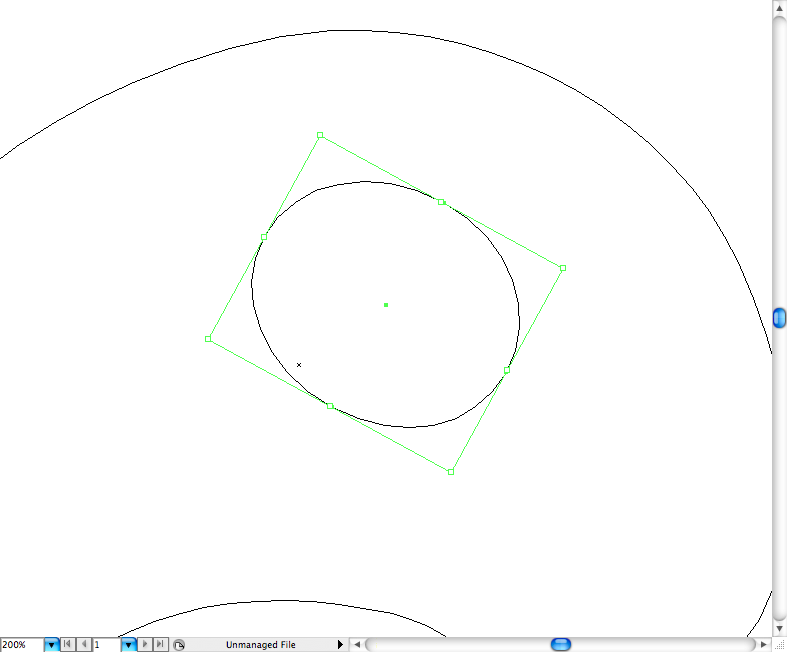
I’ve been using the outline view a lot lately, as it make things easier to organize on Ai. Just press command + Y / ctrl + Y to acess this mode. Let’s begin with toothy body, so first let’s draw some parts of his boy using basic shapes as circles, use the ellipse tool (L) for the task. Let’s begin by drawing his head.
His belly and body.
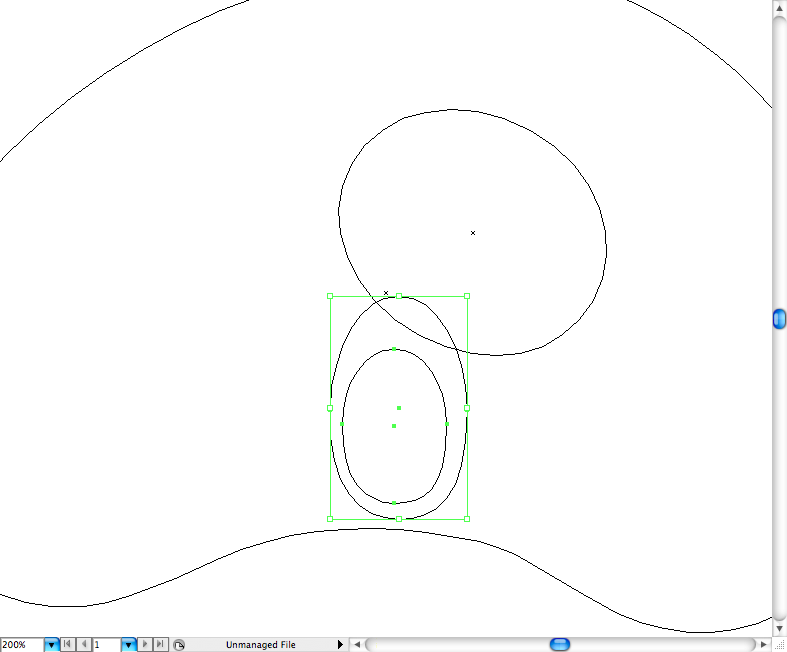
His feet.
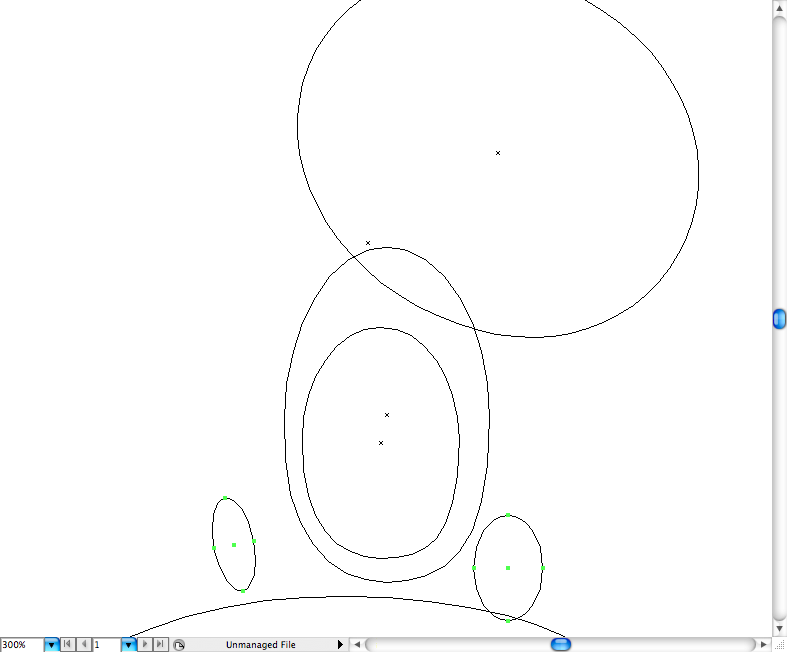
His tail.
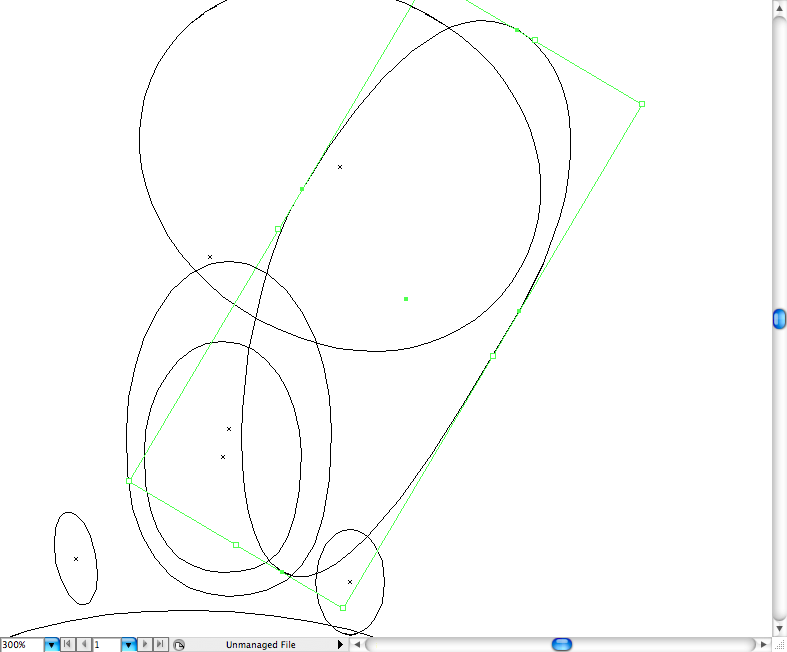
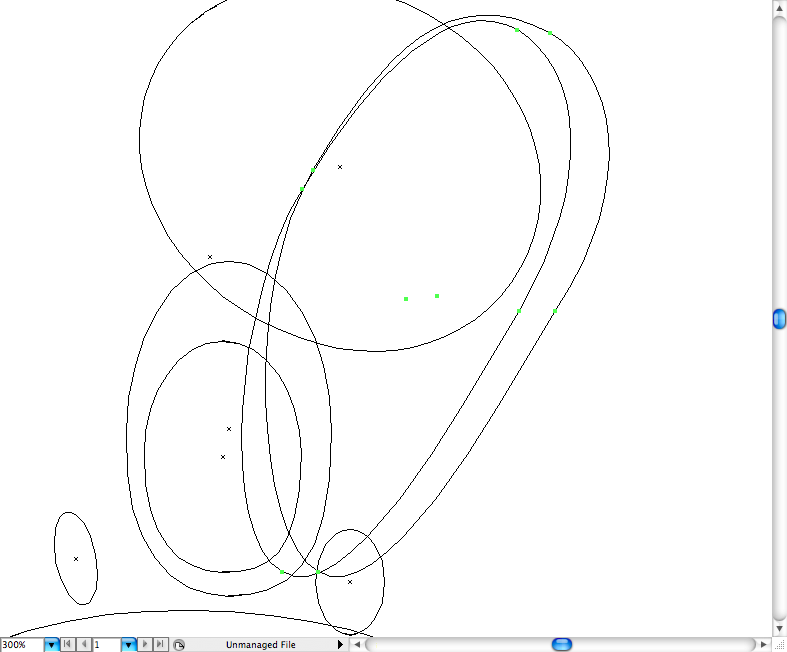
His ears, use the path eraser tool to erase part of the ellipse, you can find this tol on the pencil tool panel.
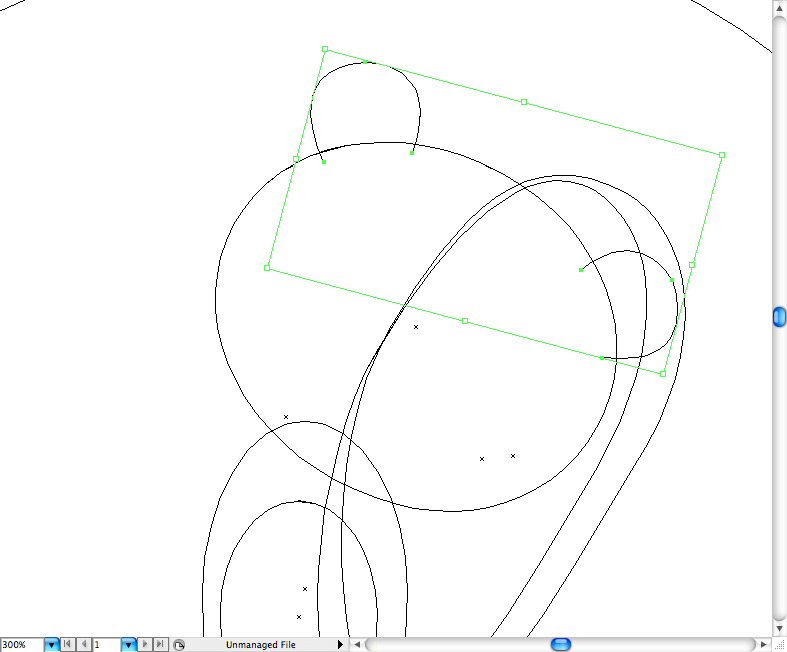
The insed of the ear can be achieve using the pencil tool (P).
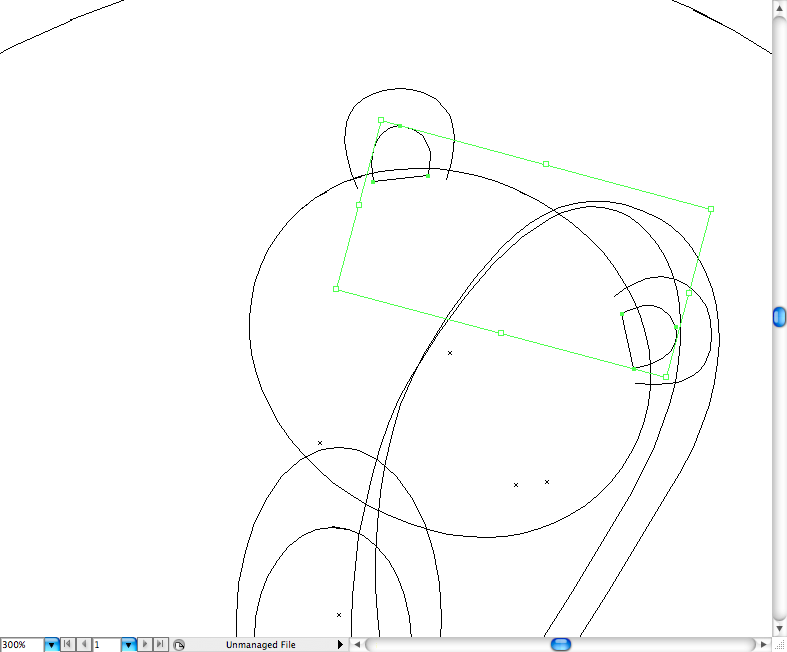
Use the previous tool to crea the smile, teeth, the eyes and the nose of our buddy.
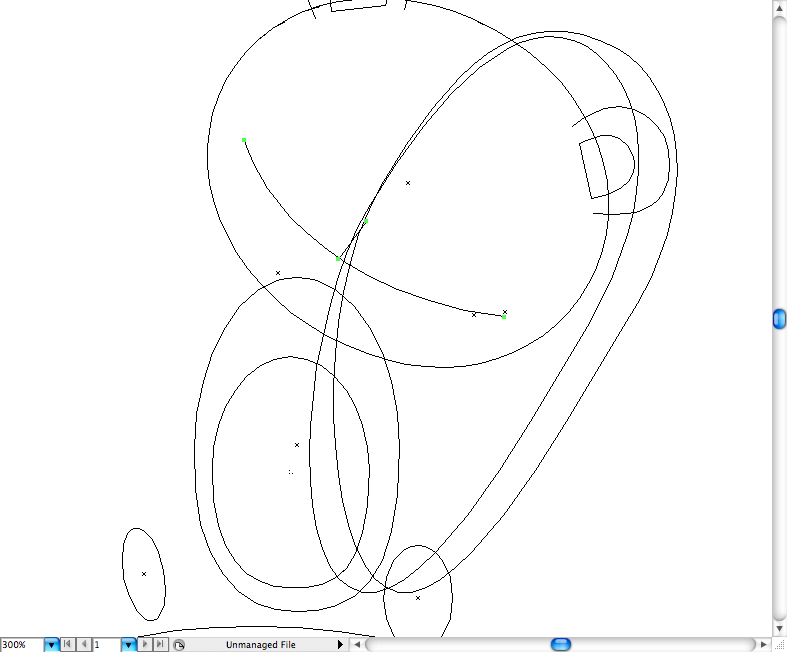
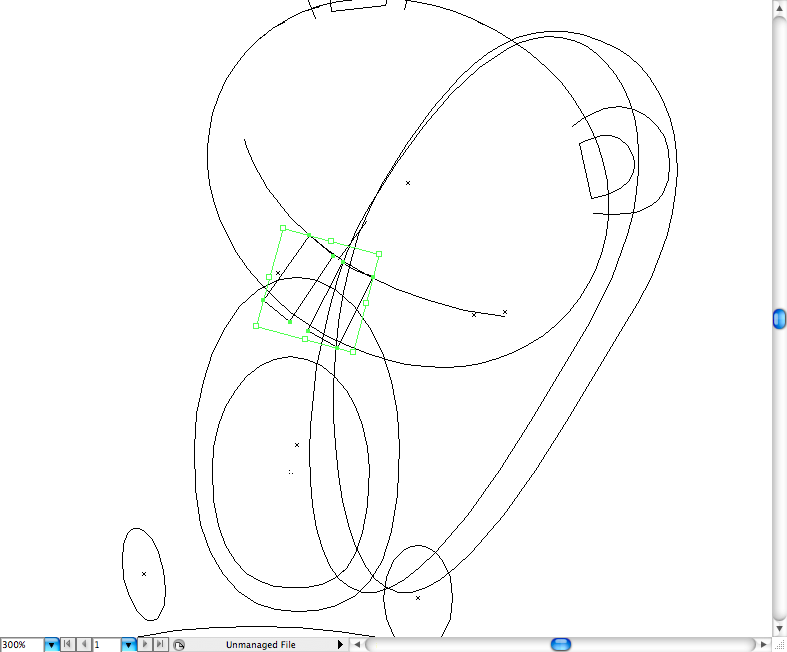
Toothy got some freckles, create them using the ellipse tool (L).
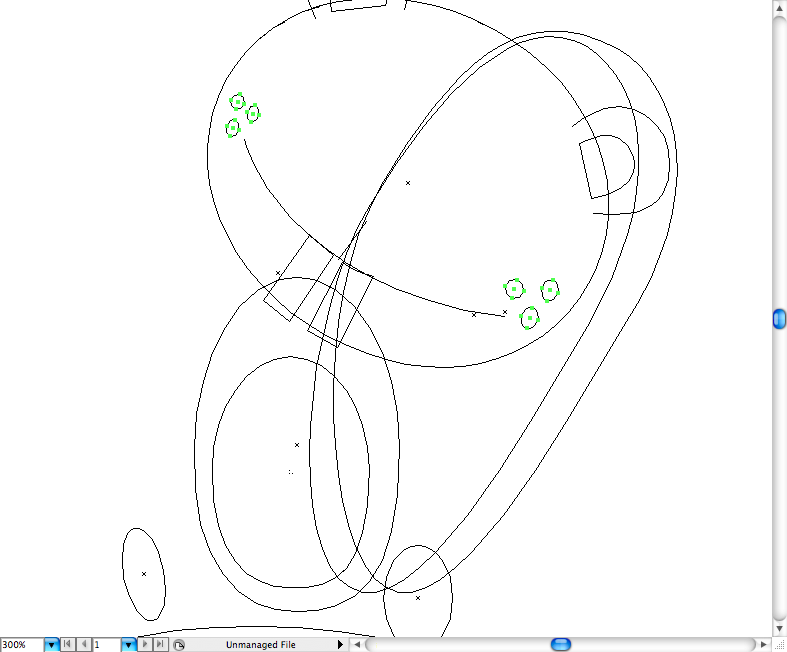
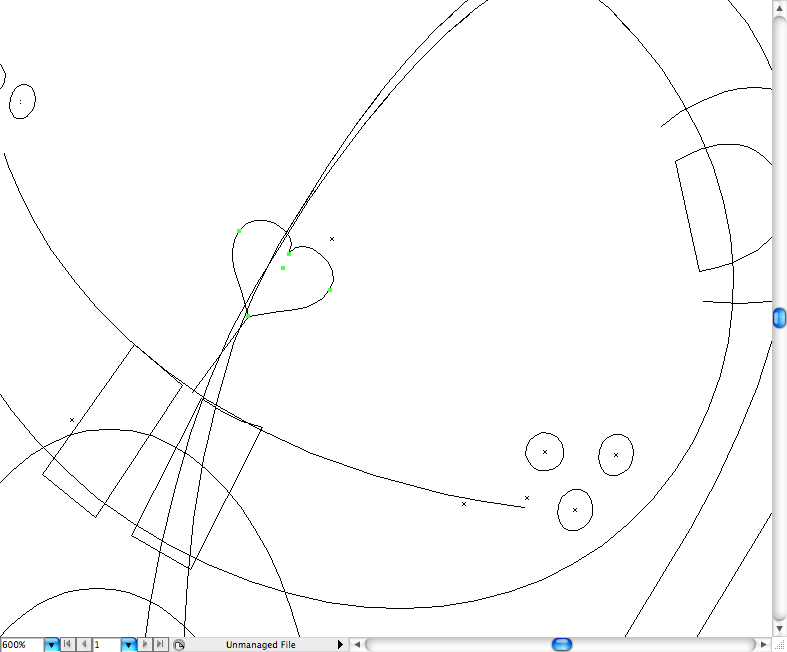
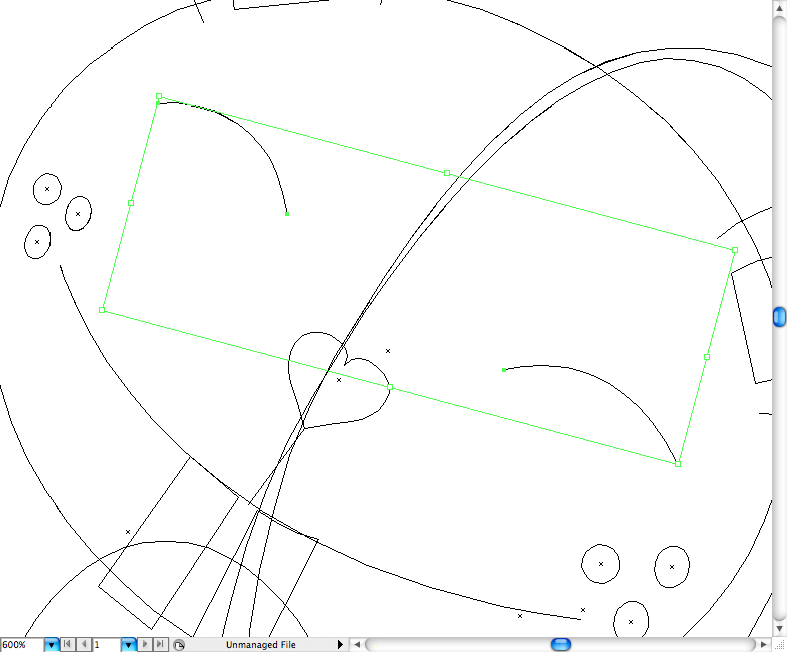
I used the pencil tool (N) and the pen tool (P)to create the legs of the squirrel.
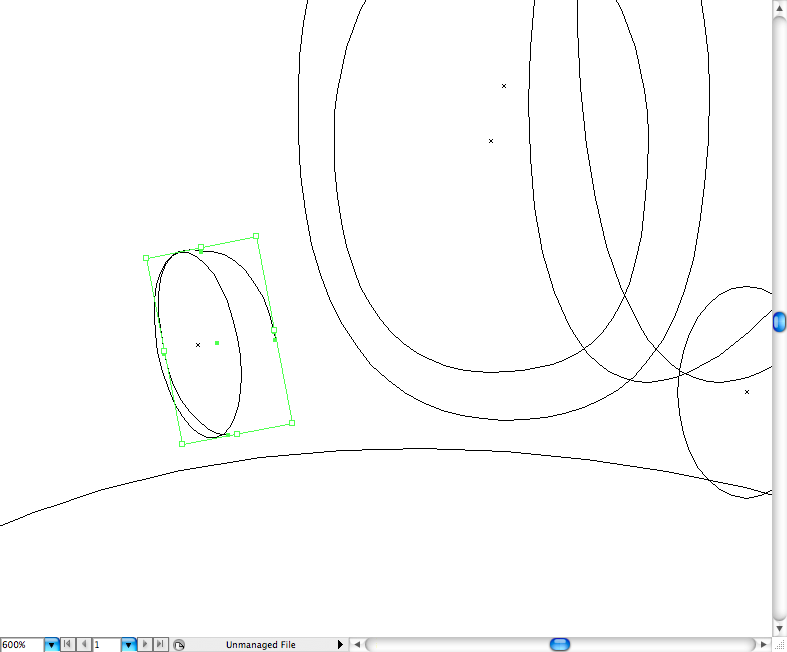
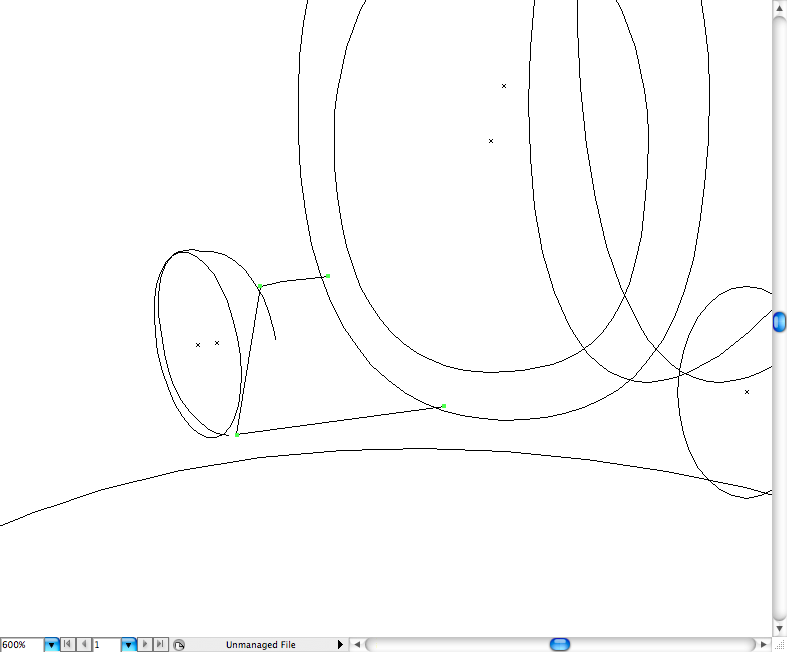
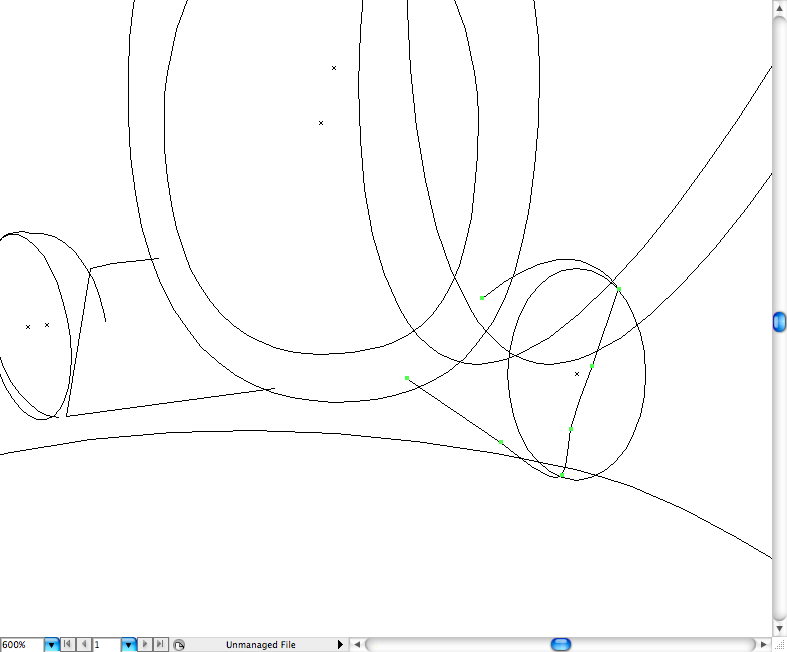
Organize and group all the elements and get back to the normal view, it’s time to add color.
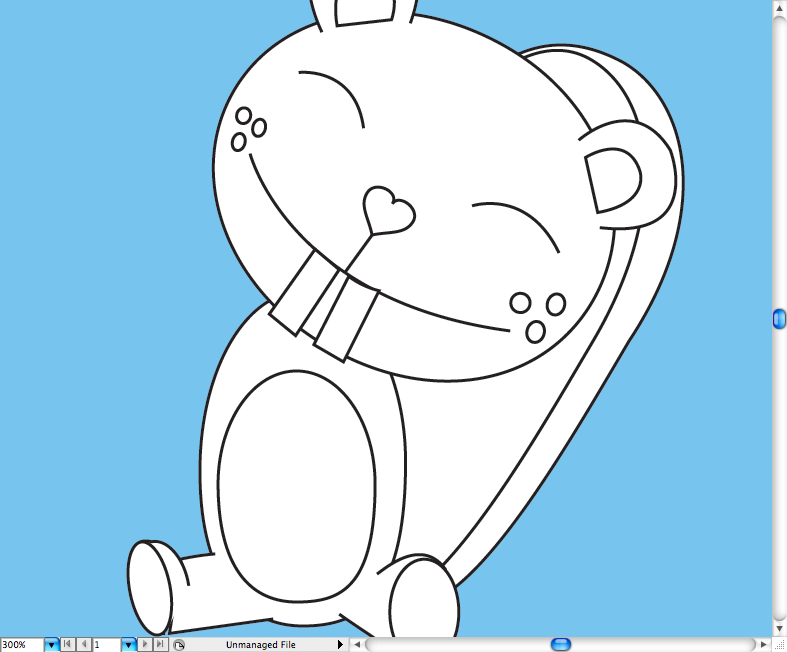
Step 4
I first made a few hachures on the tail of this buddy.
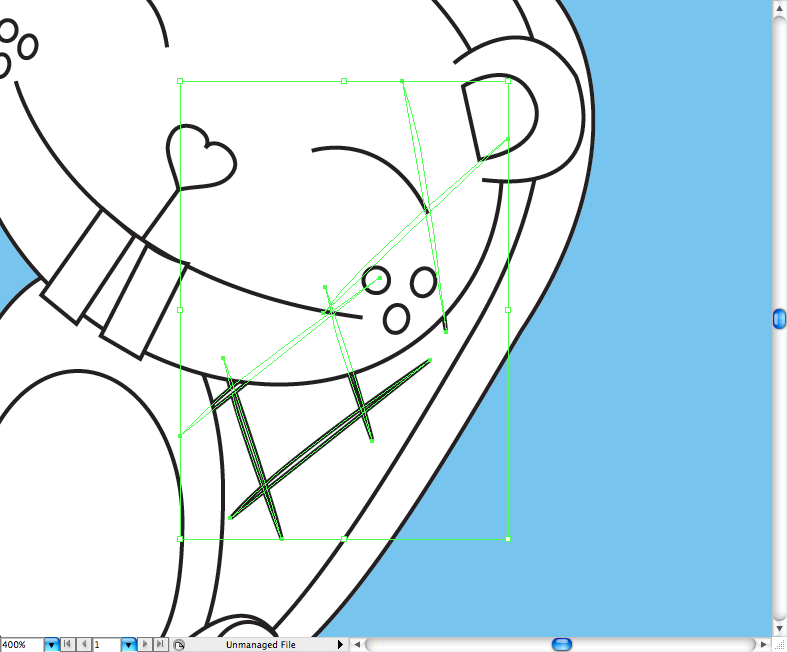
The logic behind this coloring process it’s wuite easy, as you’re about to see that almost every path will have a outline and fill.
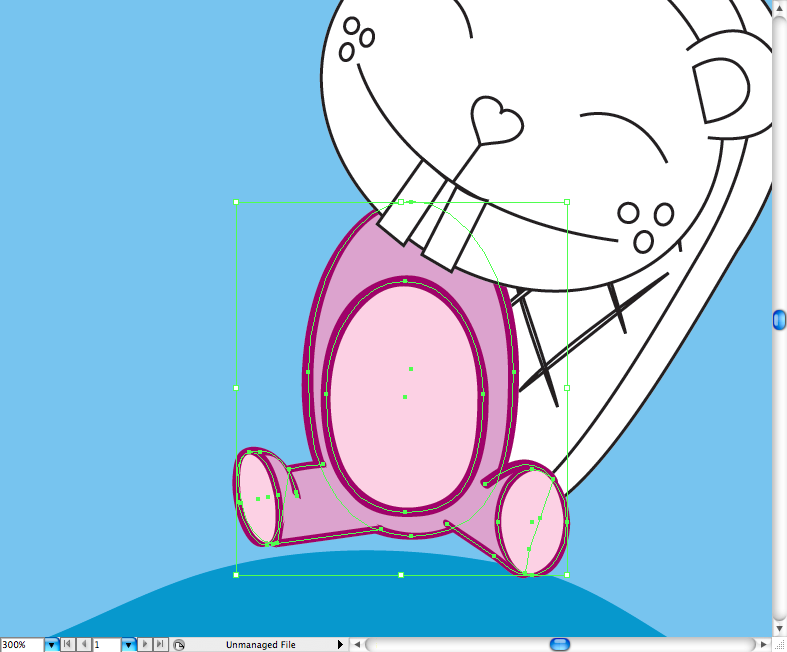
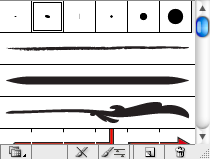
I use mainly the 5pt. oval brush for the outlines.
I created a layer with all the colors I used on each character so you guys can do the coloring process the easier way.
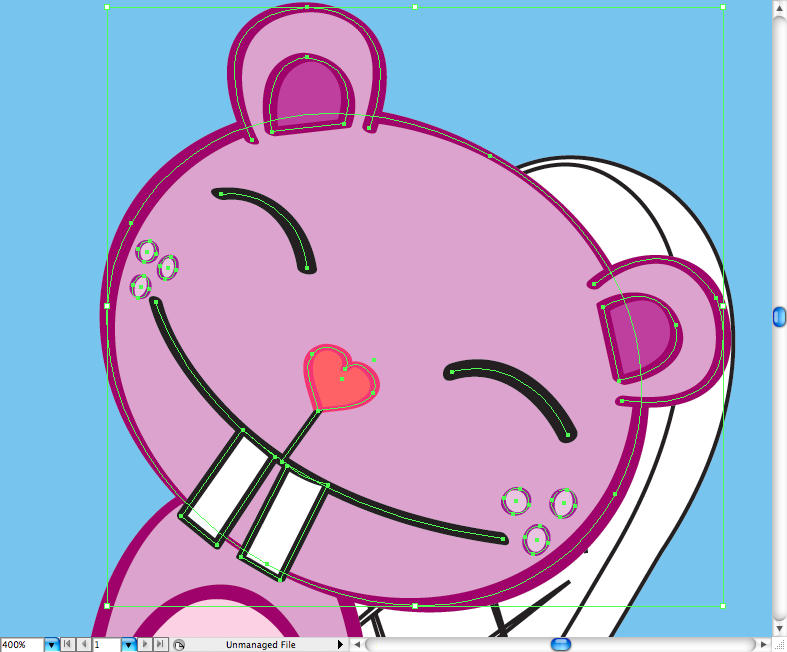
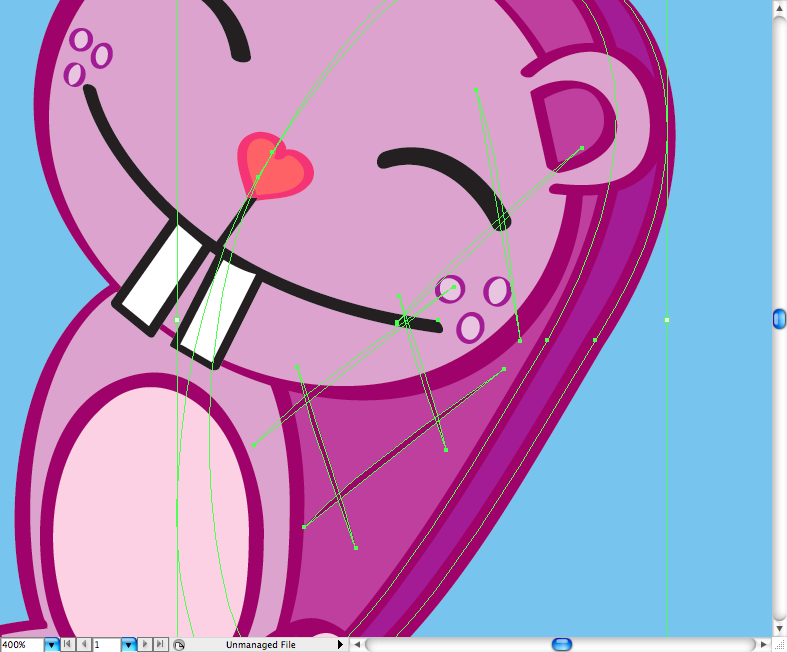
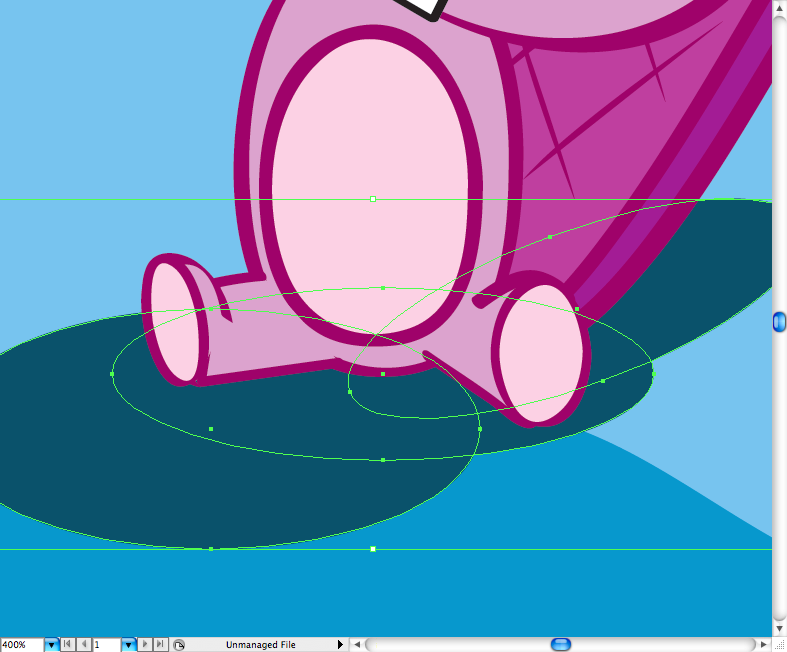
And here’s a rough shadow created using only ellipses, the idea here it’s not to be a perfect shadow as it’s from a childlook cartoon.
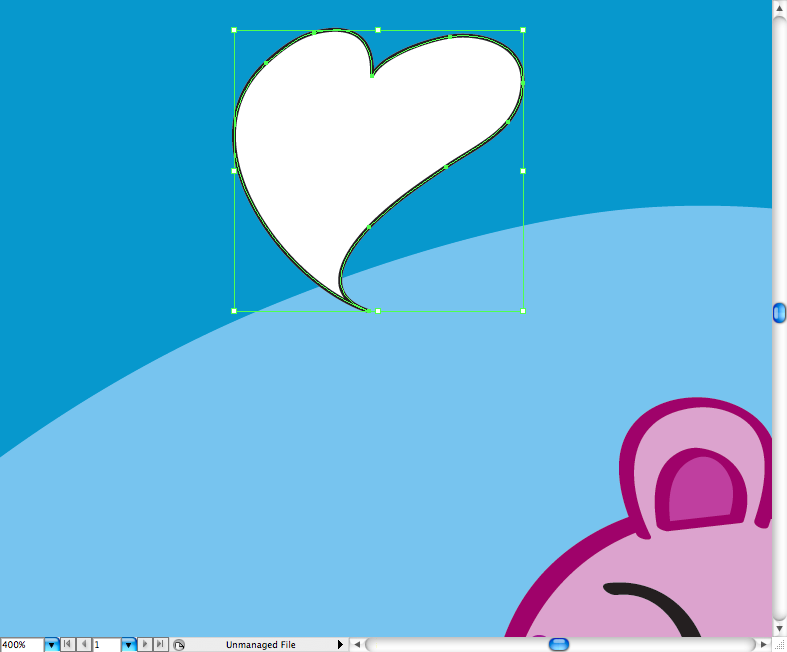
And yes, despite all the violence and the gore of the original show I decidd to insert a little more fluffyness on this illustrations so I draw some hearts using the pen tool (P).
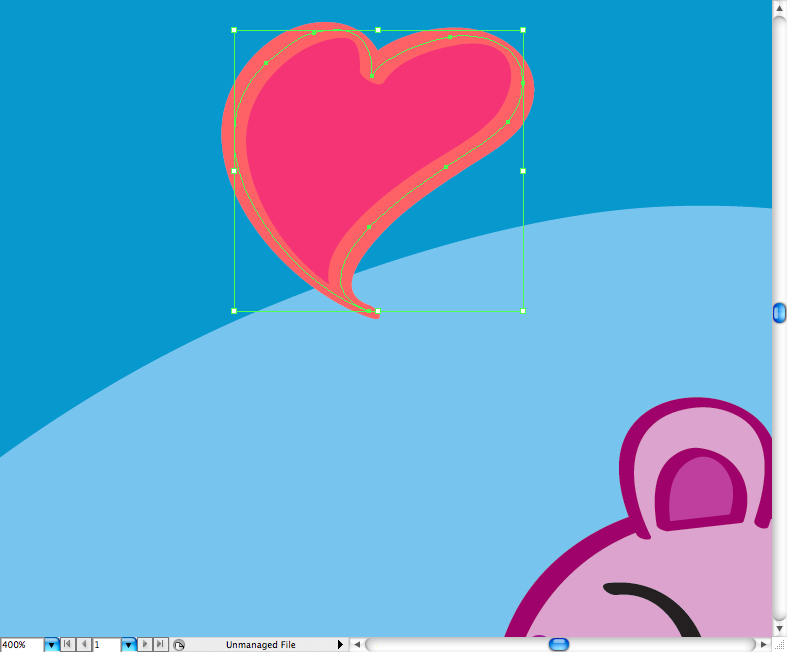
Add some light using the brsuh tool (B) with a brighter color.
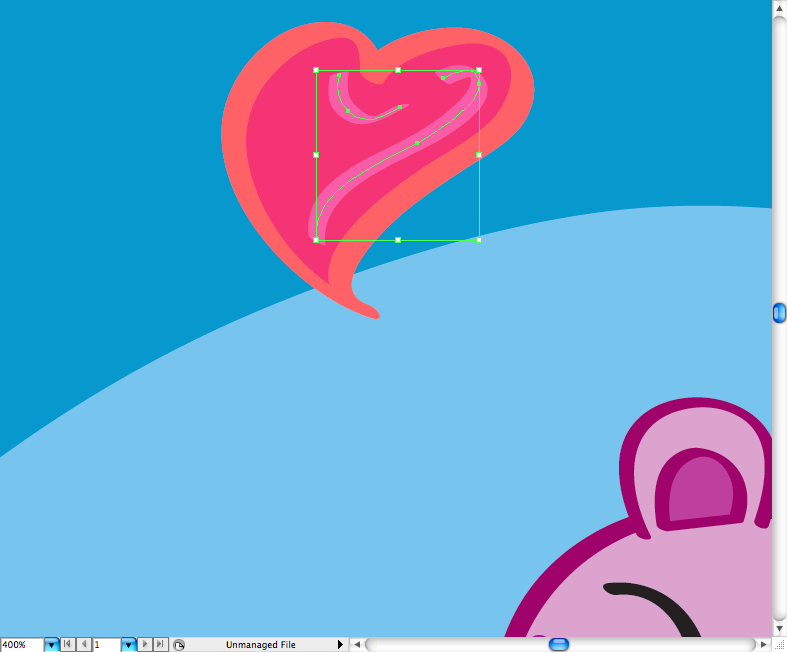
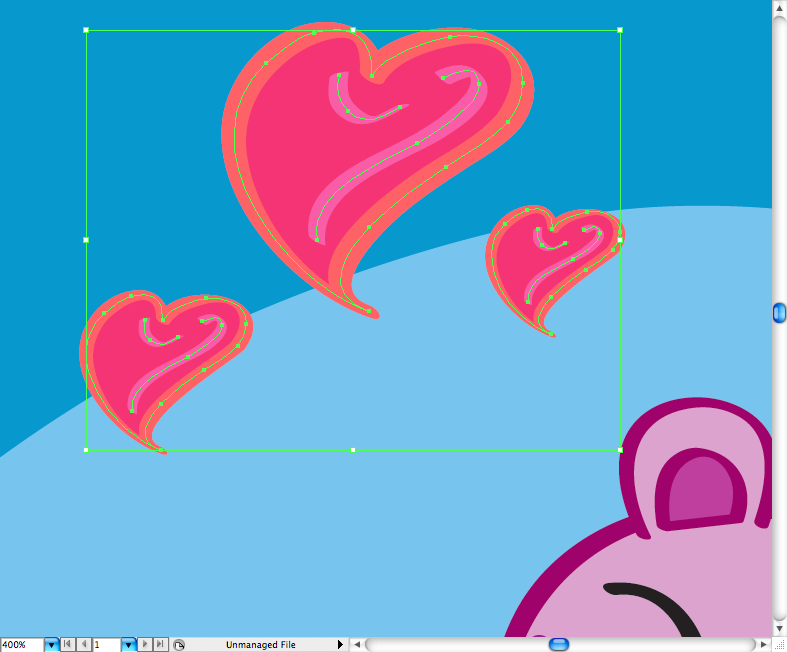
And spread the love.
Yep, I know what you’re think and dont worry, toothy it’s not handicapped, I just going to make his arms on other layer (command + L / ctrl + L) with the rest of Giggles.
Step 5
Drawing Giggles will be beyond the easy, let’s begin by copying Toothy’s body and rotate him using the selectio tool (V).
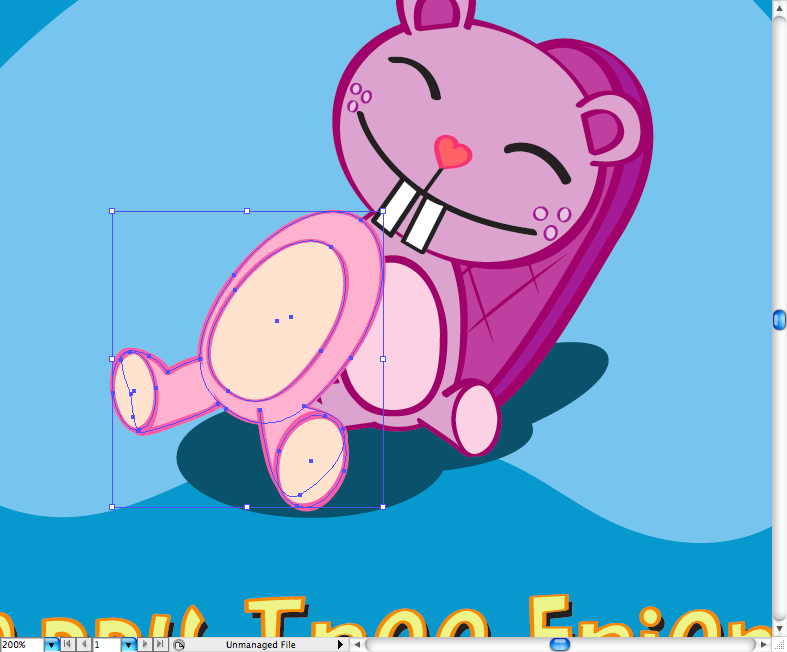
You can alos copy part of the head.
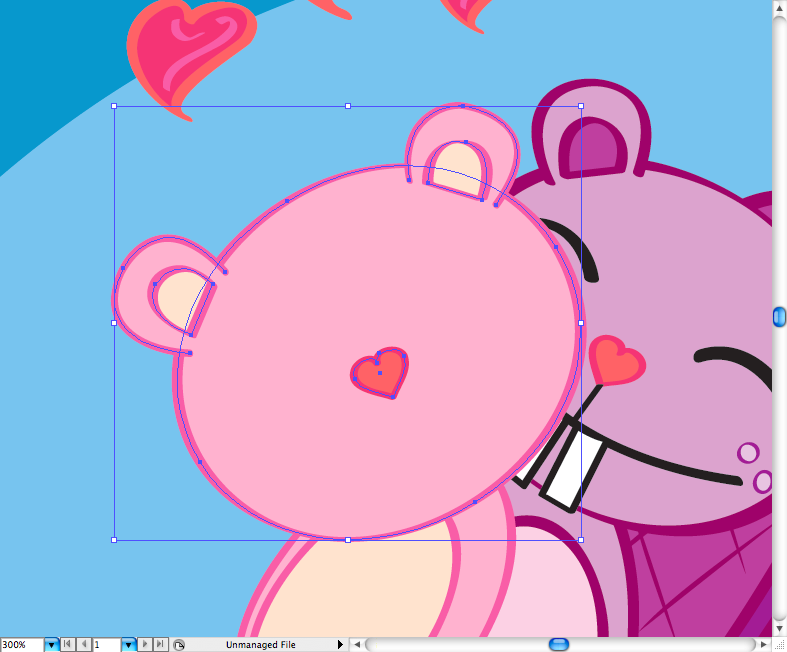
As any character on HTF got some characteristics on their face that make then unique and recognizable beside the fact that they all were made from the same default. Giggles got a light section on the face.
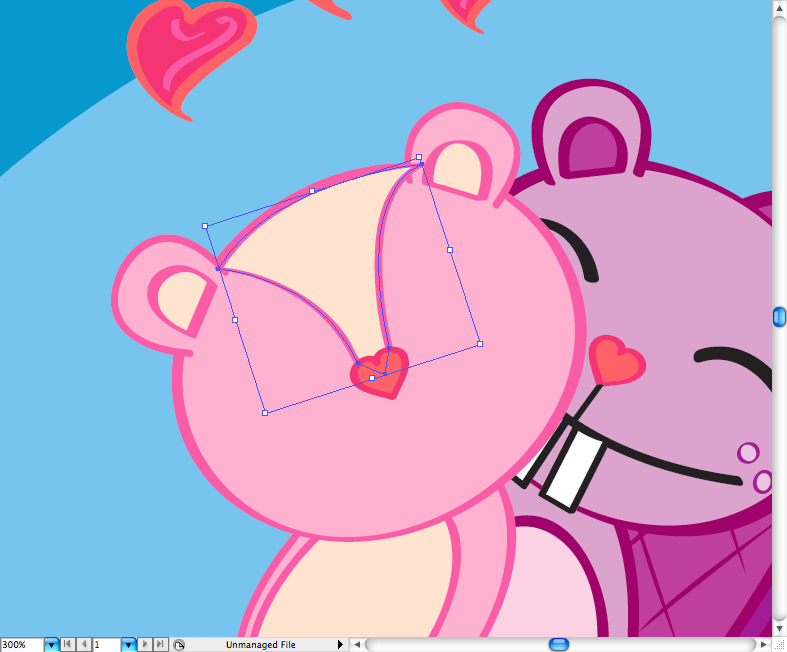
I’ve made her with the mouth wide open because she trying to breath, use the pencil tool (N) to draw it.
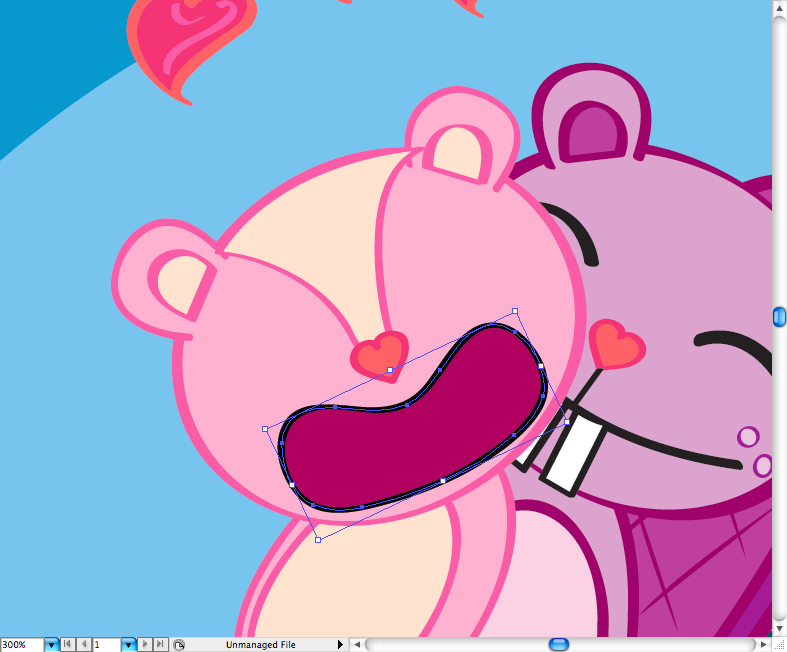
Do the same thing here.
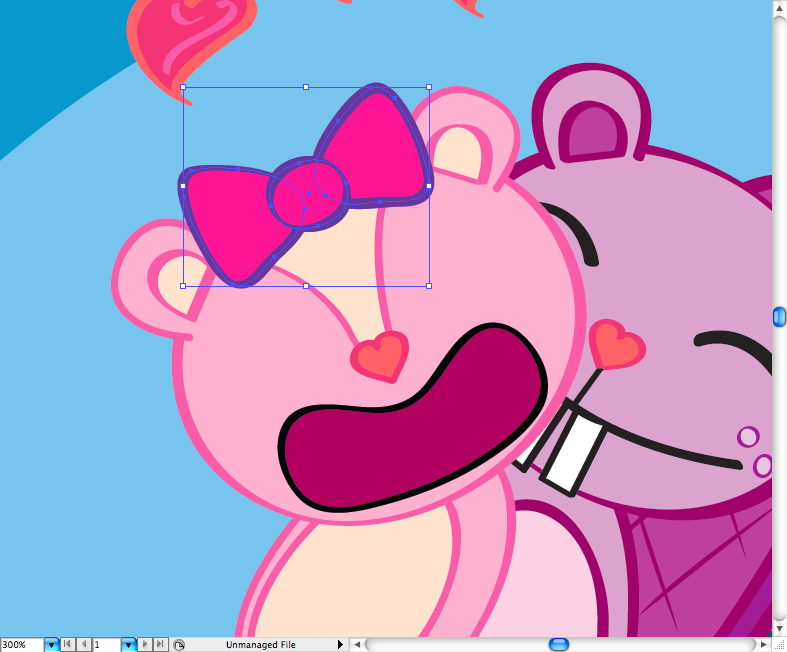
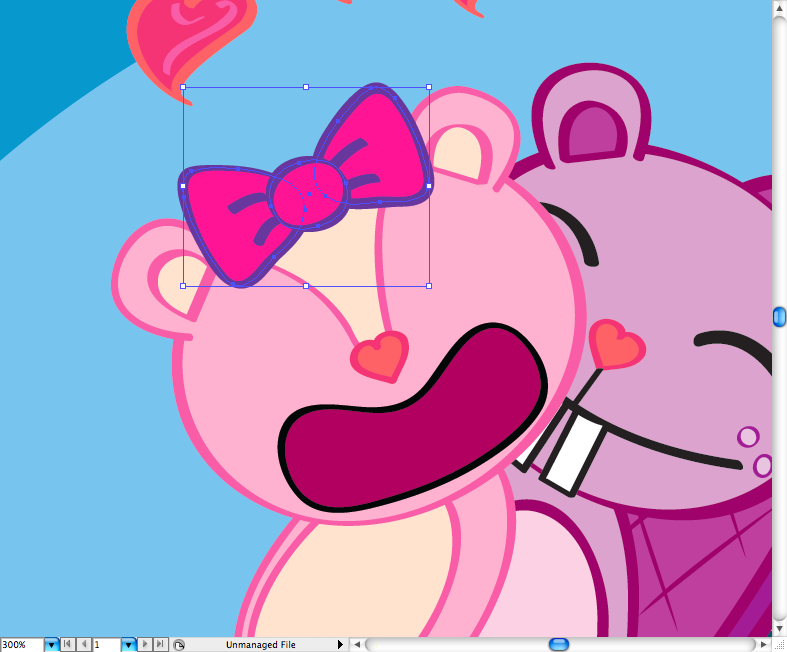
Add some wrinckles to it using the brush tool (B).
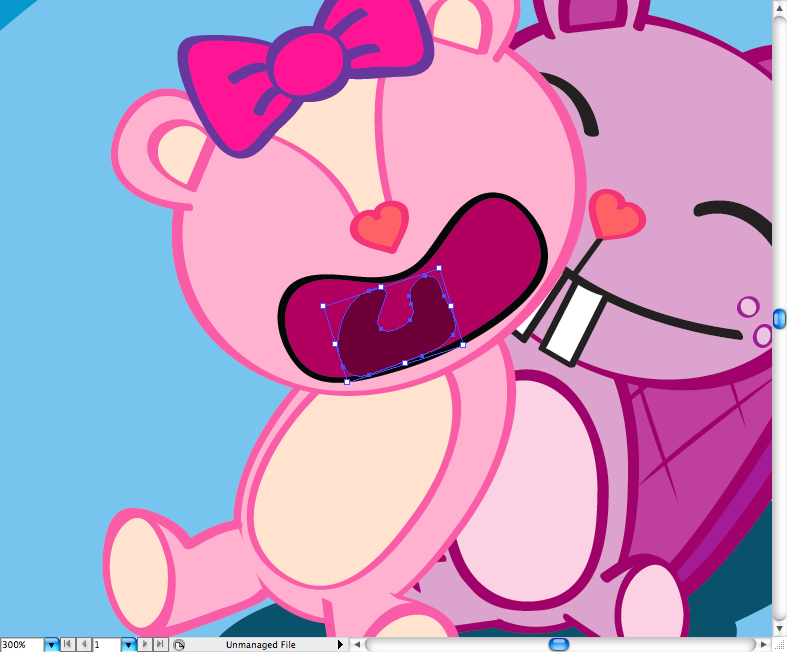
Use the pencil tool (N) to draw the throat, tongue and teeth.
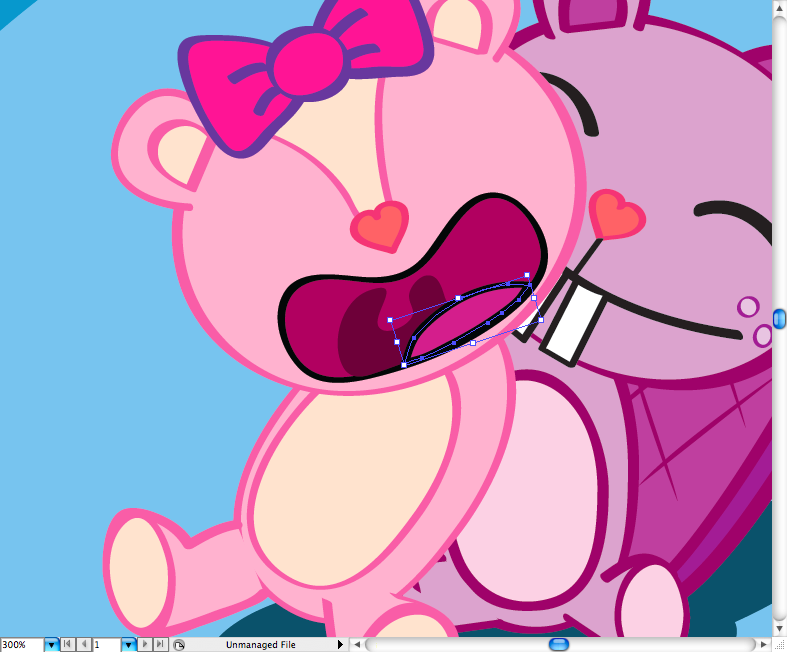
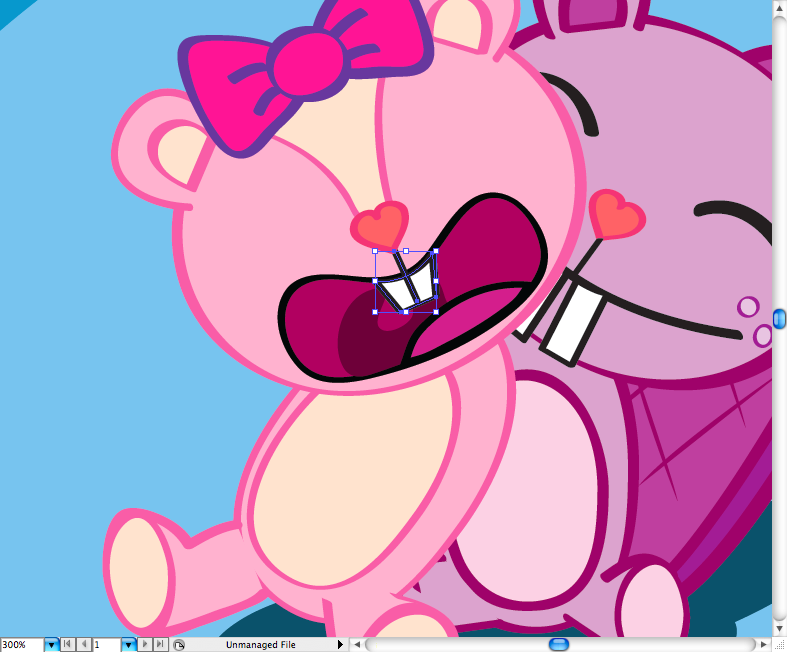
Use the ellipse tool (L) to make the pupil an the eye, you’re going to have to make a little triagle with the pen tool (P) and then use the minus front option to get this kind of 50’s pupil on the character.
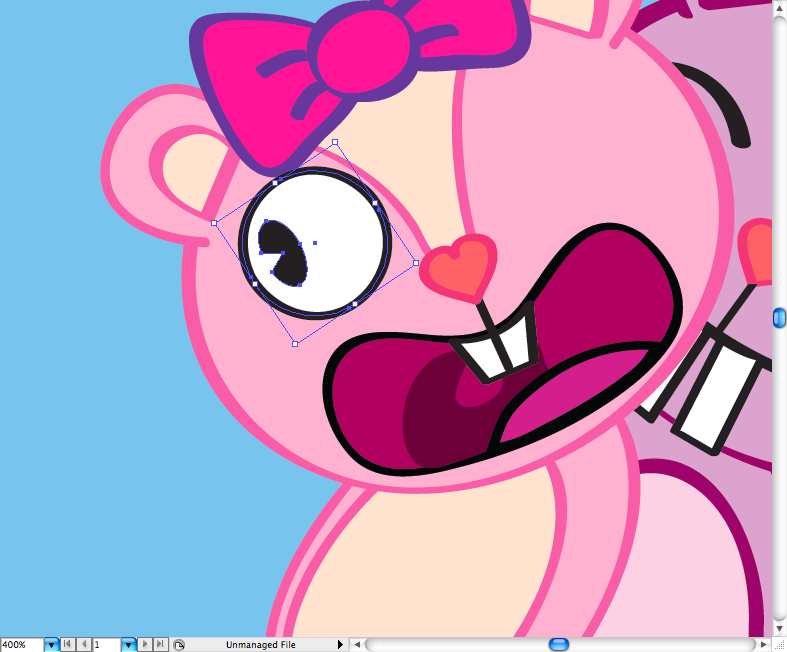
Use the previous tool to draw the eyelashes, the dark circle and the wrinckle.
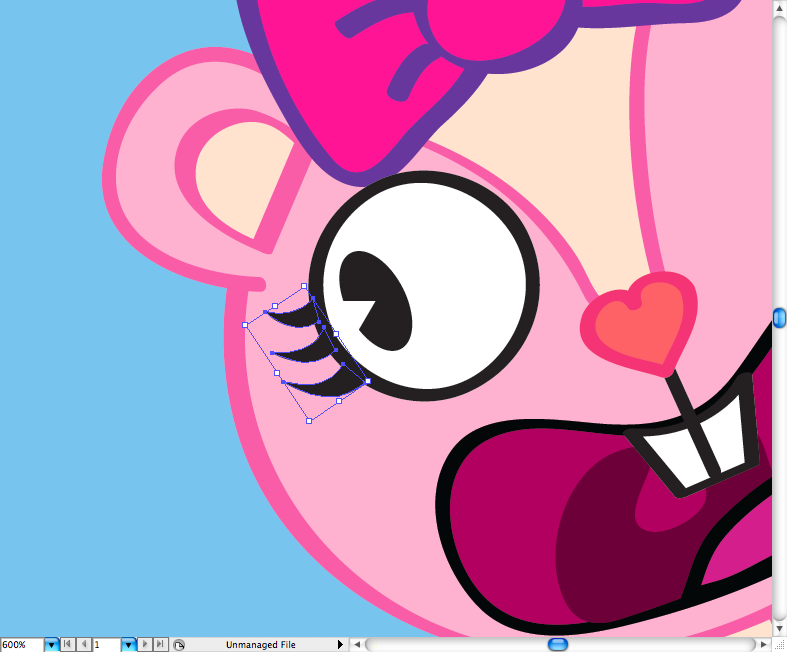
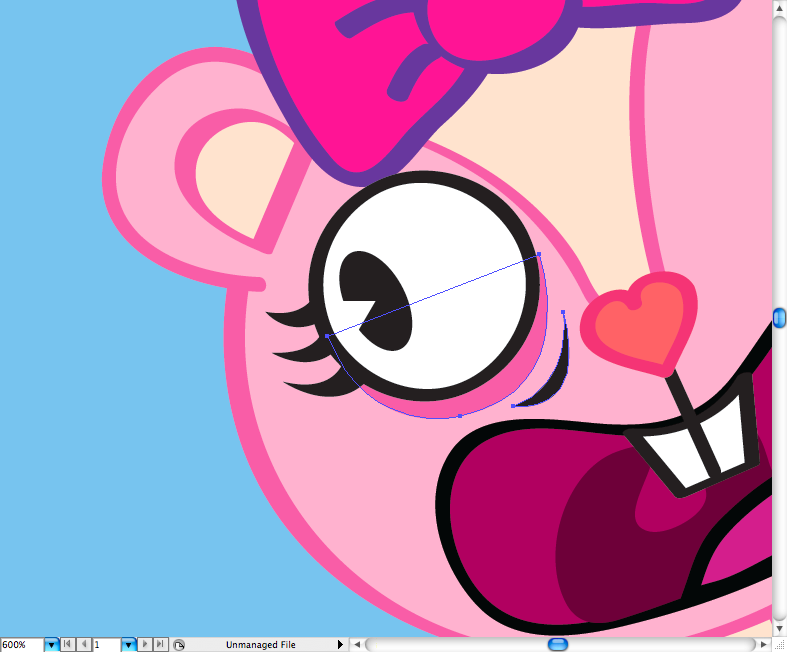
Later just duplicate the eye, reflect it and reposicionate it on the other side.
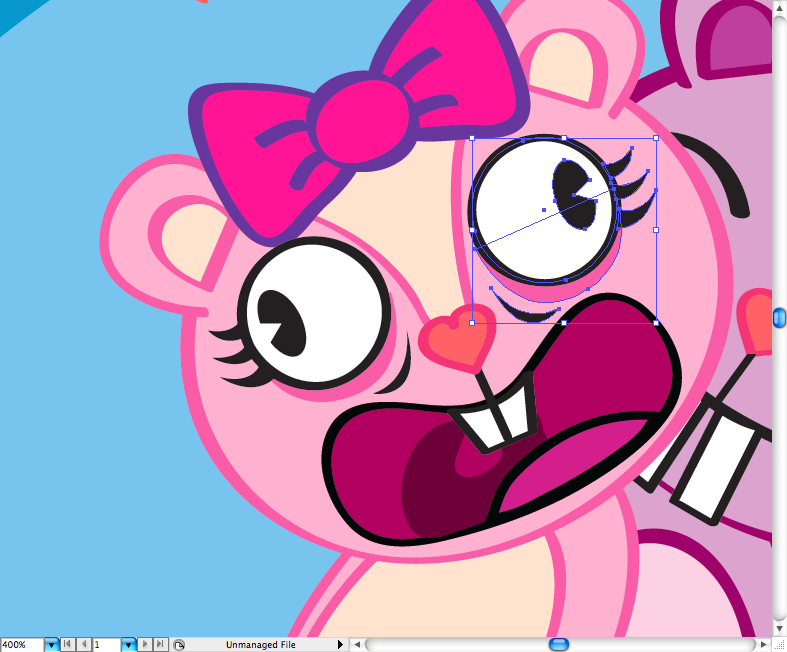
I must admit I hate drawing arms and hands, but in this case this was not a big deal, as thery are wuite simple in terms of shape. So i just used the pencil tool (N) and a couple of time to do it.
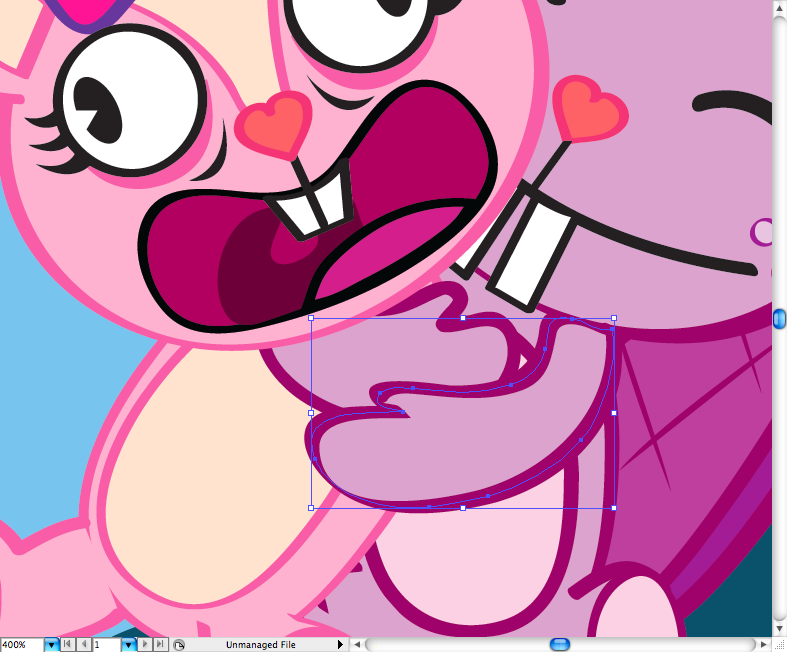
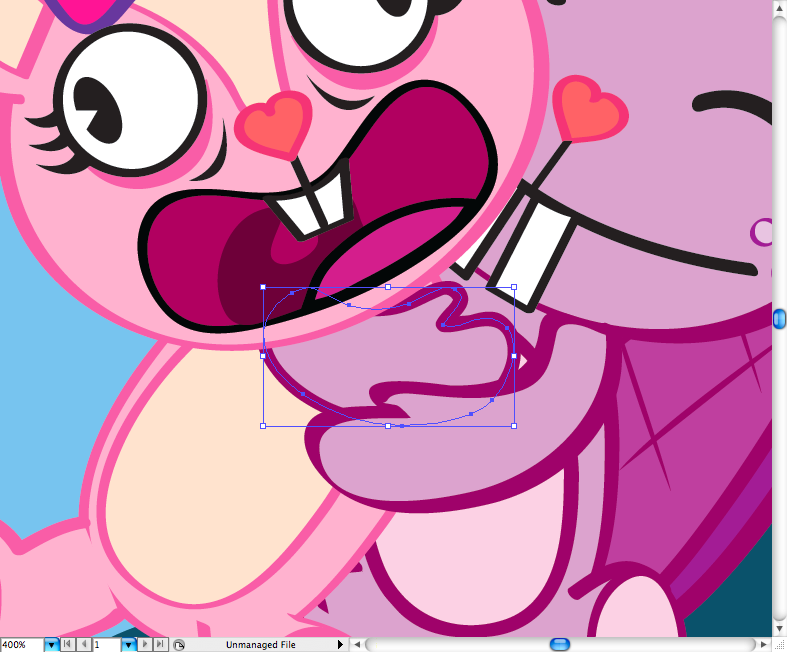
Same thinig here, nothing really difficul, just make sure the positions make sense.
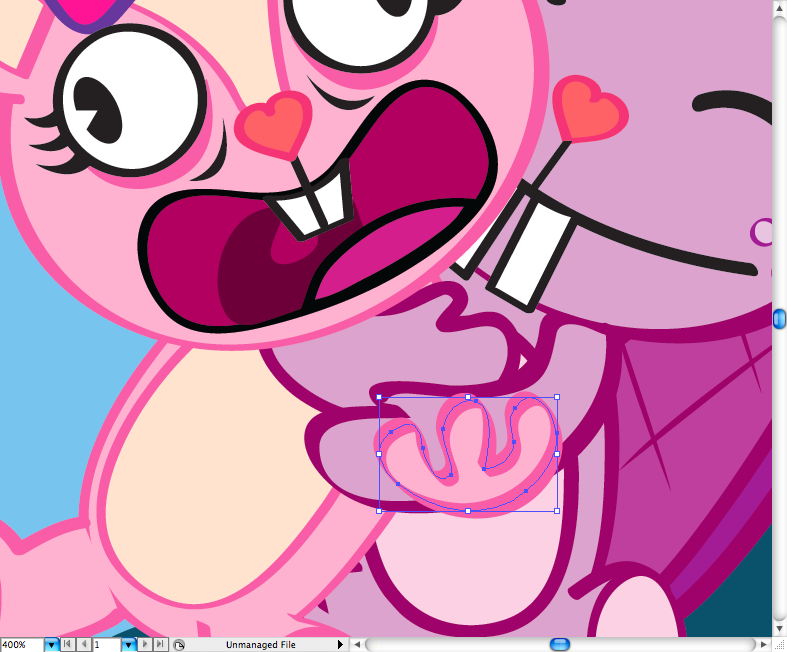
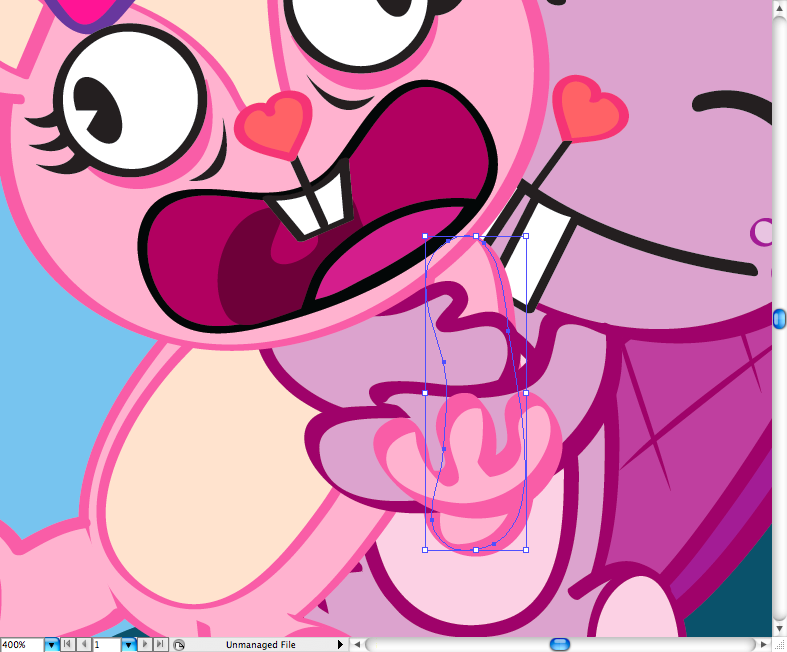
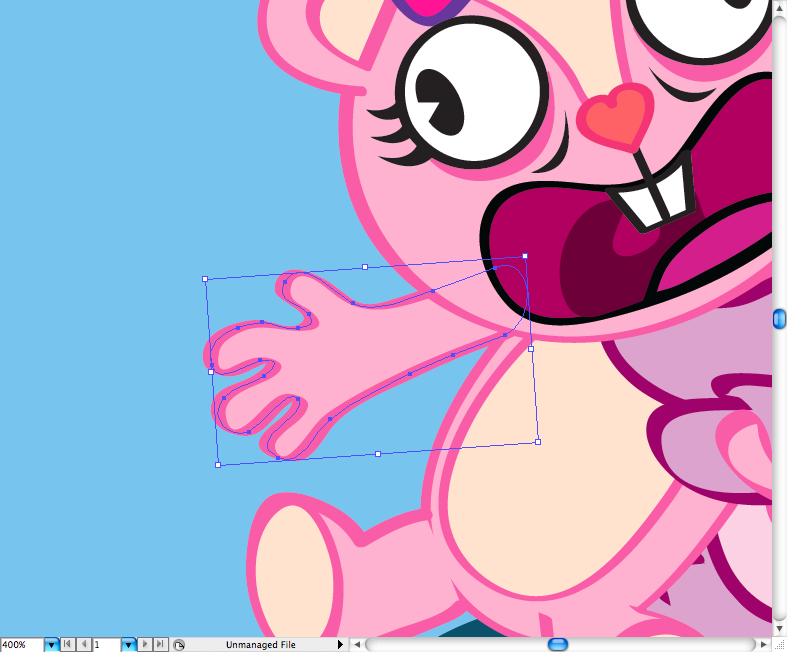
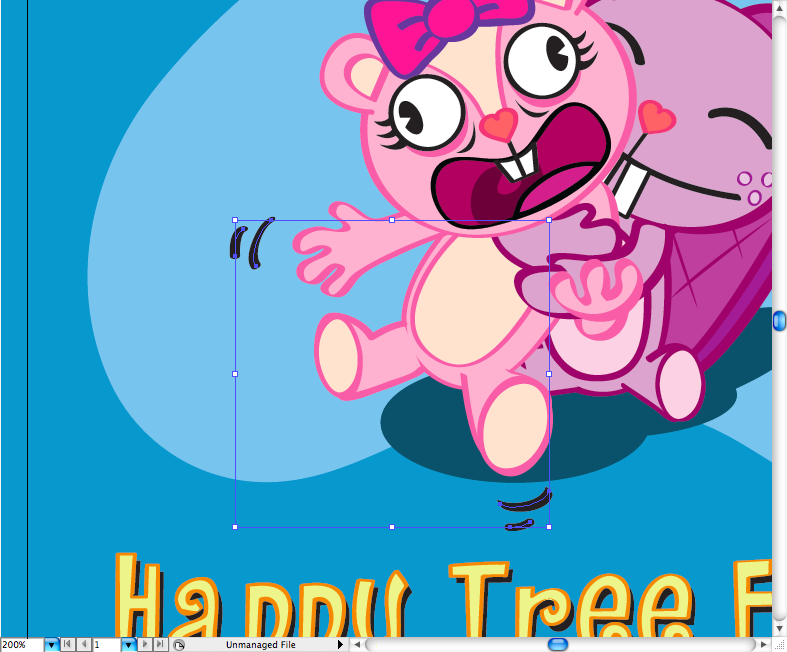
Finally I added some movement lines and that’s it.
Conclusion
Download the Adobe Illustrator File
Download the Adobe Illustrator file used for this tutorial
About the author
My name is Marcos Torres, I’m Graphic Artist from Porto Alegre, Brasil. You can get to know more about me by acessing my Personal Website or by following me on Twitter: @marcos333. You can also see some of my last projects at my Flickr.
Sponsored Links: