WP Theme Generator: Create WordPress themes without coding

WPTheme Generator ReviewCreating WordPress themes from scratch is beyond the technical skill of a lot of people, even designers. Without at least a basic grasp of PHP, you’ll likely find the entire process frustrating and way too time-consuming.

That’s where a WordPress theme generator can make your life about a million times easier.

Theme generators in the past have often been clunky and haven’t worked all that well. WPTheme Generator is different.

It makes it incredibly easy to create a theme using a gallery of more than a thousand pre-designed objects, including backgrounds, menus, fonts, sliders, frames, colors, patterns, textures, and more.

The options for customization are huge. WPTheme Generator includes more than fifty fonts, all ready to be used in your theme. You can change the font face, color, and size with just a single click, on both headings and body text. You can also create a variety of layouts using seven different combinations for positioning elements.

Customizing themes is simple. First, pick a design from the gallery that you want to start with. Then just select the element you want to change and then select an option for the pre-designed elements. There are designs to suit virtually every style and new designs are added daily. When you’re done, you can save your themes to work on them later or you can download both the WordPress theme files and the basic HTML/CSS files.

Not finding what you need among the pre-designed elements? No problem! You can upload your own design elements—menus, patterns, backgrounds, and more—to use on your themes. You can even save them for use on future themes.

One of the great parts about WPTheme Generator is that all the themes are built on a single, powerful framework. Your basic theme will always be up to date and working for the latest version or WordPress. And new features added to the framework will be available on all of your themes, including the ones you’ve already created! This also means that you can create a new theme now, and if you decide not to use it for six months, it’ll still be up to date when you come back to download it then.

You can save your themes for later editing and download them whenever you need to, so that your theme will be always updated with the latest framework and WordPress version.

The framework includes a lot of popular features, including dynamic widget areas, five different slides, picture galleries with lightbox and categories, product websites with shopping carts, a spam-free contact form, and much more. It’s even Bootstrap-ready and supports all Bootstrap elements.

Check out more of how WPTheme Generator works in this video:

Because it was created by the folks behind Iconshock, when you sign up for WPTheme Generator Premium, you’ll also get access to Iconshock’s premium items! That includes 30,000 Iconshock icons, 107 Themeshock exclusive themes, and 500 logo templates!

For a limited time, WPTheme Generator is only $29 for six months! After the promotional period, it will be $129/year—still a steal for all you get! You can sell the themes you create to your final customers and use them as many times as you want, though you can’t sell them in a marketplace (they’ll be launching their own marketplace soon).


Reviewed exclusively for WDD by Cameron Chapman

[Disclaimer: This post is a sponsored review for Monitor Scout. The opinions expressed in the article are the author’s only.]

$9 a year for HTML Banner Maker – No coding required!

Source


Posted in Blog | Comments Off on WP Theme Generator: Create WordPress themes without coding

Daily Inspiration #1123

This post is part of our daily series of posts showing the most inspiring images selected by some of the Abduzeedo’s writers and users. If you want to participate and share your graphic design inspiration, You can submit your images and inspiration to RAWZ via http://raw.abduzeedo.com and don’t forget to send your Abduzeedo username; or via Twitter sending to http://twitter.com/abduzeedo

Do you want to see all images from all Daily Inspirations? Check out http://daily.abduzeedo.com

2D

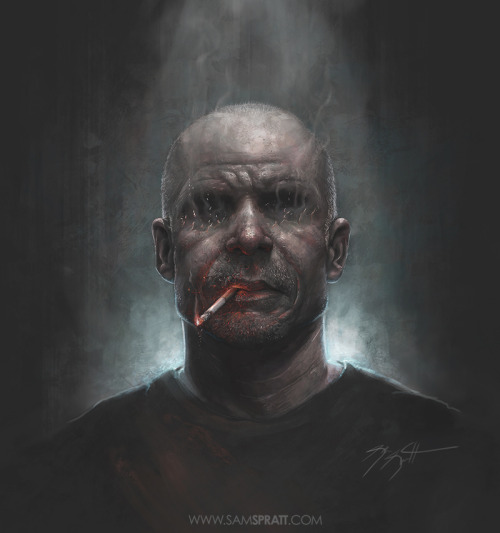
Digital art selected for the Daily Inspiration #1123

AoiroStudio

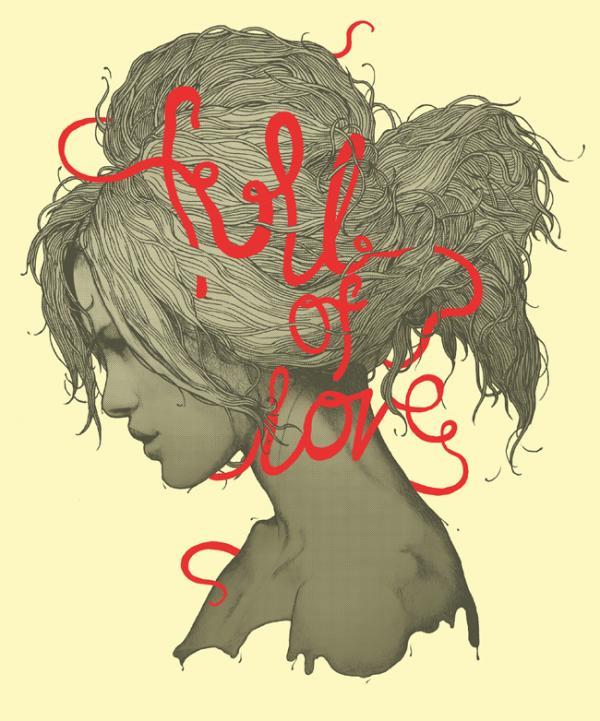
Digital art selected for the Daily Inspiration #1123

Fabio

Digital art selected for the Daily Inspiration #1123

Digital art selected for the Daily Inspiration #1123

Fabiano

Digital art selected for the Daily Inspiration #1123

Digital art selected for the Daily Inspiration #1123

Digital art selected for the Daily Inspiration #1123

Fulvio Bisca

Pol Camarero

Send your suggestions via Twitter to http://twitter.com/abduzeedo using #abdz in the
end of the tweet.

@Daniel_Nelson

Digital art selected for the Daily Inspiration #1123

Digital art selected for the Daily Inspiration #1123

Digital art selected for the Daily Inspiration #1123

Digital art selected for the Daily Inspiration #1123

@LetMeBeInspired

Digital art selected for the Daily Inspiration #1123

Digital art selected for the Daily Inspiration #1123

Digital art selected for the Daily Inspiration #1123

Send your RAWZ suggestions via Raw.Abduzeedo.com

al b sure

Digital art selected for the Daily Inspiration #1123

Digital art selected for the Daily Inspiration #1123

art-and-love

Digital art selected for the Daily Inspiration #1123

Ben

Digital art selected for the Daily Inspiration #1123

berkaydaglar

Digital art selected for the Daily Inspiration #1123

buzzsgraphics

Digital art selected for the Daily Inspiration #1123

cuded

Digital art selected for the Daily Inspiration #1123

dapperdesigns

Digital art selected for the Daily Inspiration #1123

davidshih

Digital art selected for the Daily Inspiration #1123

Daniel Alves

Digital art selected for the Daily Inspiration #1123

Elias

Digital art selected for the Daily Inspiration #1123

inspirationfeed

Digital art selected for the Daily Inspiration #1123

Digital art selected for the Daily Inspiration #1123

Digital art selected for the Daily Inspiration #1123

Digital art selected for the Daily Inspiration #1123

Jo On

Digital art selected for the Daily Inspiration #1123

Marcus Avedis

Digital art selected for the Daily Inspiration #1123

mglagl

Digital art selected for the Daily Inspiration #1123

nenuno

Digital art selected for the Daily Inspiration #1123

Digital art selected for the Daily Inspiration #1123

Digital art selected for the Daily Inspiration #1123

noem9studio

Digital art selected for the Daily Inspiration #1123

Digital art selected for the Daily Inspiration #1123

Digital art selected for the Daily Inspiration #1123

nick-schmidt

Digital art selected for the Daily Inspiration #1123

seankanedesign

scudlife

Digital art selected for the Daily Inspiration #1123

thaeger

Digital art selected for the Daily Inspiration #1123

Digital art selected for the Daily Inspiration #1123

Digital art selected for the Daily Inspiration #1123

unsungtalent

Digital art selected for the Daily Inspiration #1123

Zulkarnain Ismail

Digital art selected for the Daily Inspiration #1123

About the author

My name’s François Hoang and my alias’s Aoiro Studio. I am a self-taught freelance graphic designer from Montreal, Canada. I’ve been designing for the last 4 years and really have a huge passion for creative work that makes a difference in our world. If you wanna requests some posts; I can be found on Twitter or feel free to contact me.

Sponsored Links:


Abduzeedo Inspiration Guide for Designers at Amazon

Posted in Blog | Comments Off on Daily Inspiration #1123