Daily Inspiration #1414

Daily Inspiration #1414

This post is part of our daily series of posts showing the most inspiring images selected by some of the Abduzeedo’s writers and users. If you want to participate and share your graphic design inspiration, You can submit your images and inspiration to RAWZ via http://raw.abduzeedo.com and don’t forget to send your Abduzeedo username; or via Twitter sending to http://twitter.com/abduzeedo

Do you want to see all images from all Daily Inspirations? Check out http://daily.abduzeedo.com

AoiroStudio

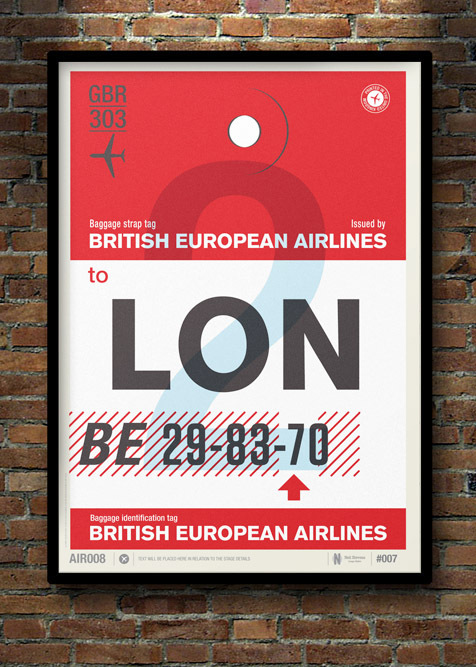
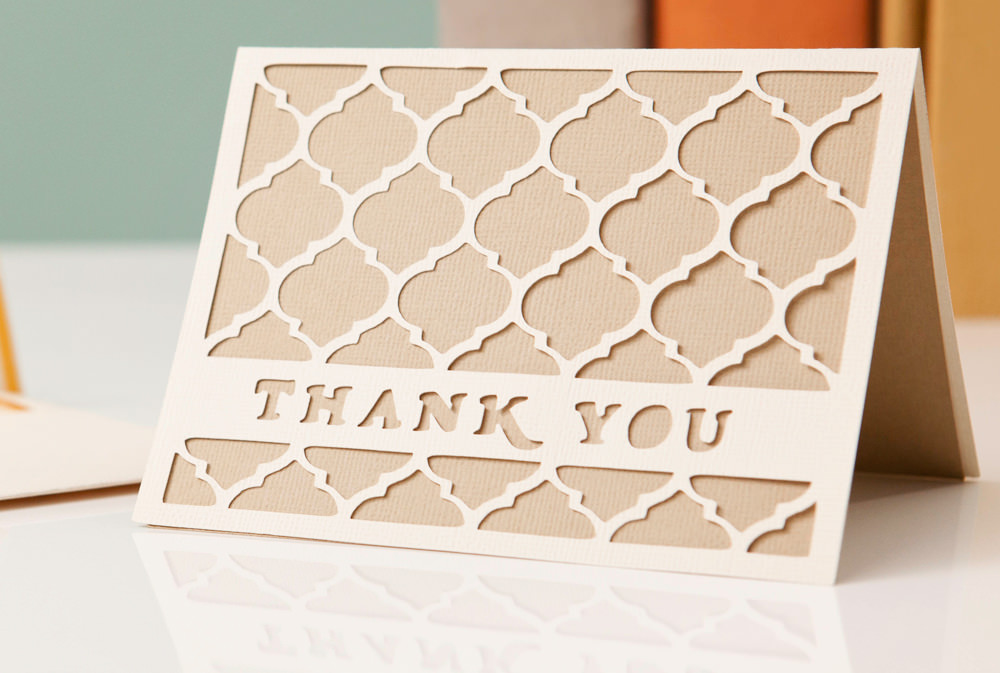
Digital art selected for the Daily Inspiration #1414

Digital art selected for the Daily Inspiration #1414

Digital art selected for the Daily Inspiration #1414

DesignYouTrust

Digital art selected for the Daily Inspiration #1414

Digital art selected for the Daily Inspiration #1414

Digital art selected for the Daily Inspiration #1414

Digital art selected for the Daily Inspiration #1414

Fabio

Digital art selected for the Daily Inspiration #1414

Digital art selected for the Daily Inspiration #1414

Digital art selected for the Daily Inspiration #1414

Digital art selected for the Daily Inspiration #1414

Fabiano

Digital art selected for the Daily Inspiration #1414

Digital art selected for the Daily Inspiration #1414

Digital art selected for the Daily Inspiration #1414

Send your suggestions via Twitter to http://twitter.com/abduzeedo using #abdz in the end of the tweet.

@Daniel_Nelson

Digital art selected for the Daily Inspiration #1414

Digital art selected for the Daily Inspiration #1414

Digital art selected for the Daily Inspiration #1414

Digital art selected for the Daily Inspiration #1414

@Let_Me_Be_Inspired

Digital art selected for the Daily Inspiration #1414

Digital art selected for the Daily Inspiration #1414

Digital art selected for the Daily Inspiration #1414

Send your RAWZ suggestions via Raw.Abduzeedo.com

1st_admin_tutorialstorage

Digital art selected for the Daily Inspiration #1414

Digital art selected for the Daily Inspiration #1414

Digital art selected for the Daily Inspiration #1414

Digital art selected for the Daily Inspiration #1414

Digital art selected for the Daily Inspiration #1414

abbasdezine

Digital art selected for the Daily Inspiration #1414

al b sure

Digital art selected for the Daily Inspiration #1414

Alex Tintea

Digital art selected for the Daily Inspiration #1414

ArmyAmber

Digital art selected for the Daily Inspiration #1414

cloudienetwork

Digital art selected for the Daily Inspiration #1414

Digital art selected for the Daily Inspiration #1414

Digital art selected for the Daily Inspiration #1414

conidesign

Digital art selected for the Daily Inspiration #1414

Christian Camilo

Digital art selected for the Daily Inspiration #1414

designandjoy

Digital art selected for the Daily Inspiration #1414

dPigs design studio

Digital art selected for the Daily Inspiration #1414

Erika Pearce

Digital art selected for the Daily Inspiration #1414

Fancy

Digital art selected for the Daily Inspiration #1414

frederickgarcia

Digital art selected for the Daily Inspiration #1414

gonzalo sanchez

Digital art selected for the Daily Inspiration #1414

Hafiz

Digital art selected for the Daily Inspiration #1414

hihstudio

Digital art selected for the Daily Inspiration #1414

inspirationfeed

Digital art selected for the Daily Inspiration #1414

isayx3

Digital art selected for the Daily Inspiration #1414

Digital art selected for the Daily Inspiration #1414

Ivo Amadeus Reis

Digital art selected for the Daily Inspiration #1414

japinc

Digital art selected for the Daily Inspiration #1414

Jared Stanley

Digital art selected for the Daily Inspiration #1414

kamilmilka

Digital art selected for the Daily Inspiration #1414

koningstuff

Digital art selected for the Daily Inspiration #1414

leibal

Digital art selected for the Daily Inspiration #1414

Digital art selected for the Daily Inspiration #1414

Lenka Schlawinsky

Digital art selected for the Daily Inspiration #1414

Marcos Krock

Digital art selected for the Daily Inspiration #1414

Mark Watson

Digital art selected for the Daily Inspiration #1414

Digital art selected for the Daily Inspiration #1414

Digital art selected for the Daily Inspiration #1414

nathanmummert

Digital art selected for the Daily Inspiration #1414

nicholas

Digital art selected for the Daily Inspiration #1414

n0thingh3r3

Digital art selected for the Daily Inspiration #1414

Noé Cunha

Digital art selected for the Daily Inspiration #1414

Digital art selected for the Daily Inspiration #1414

noem9studio

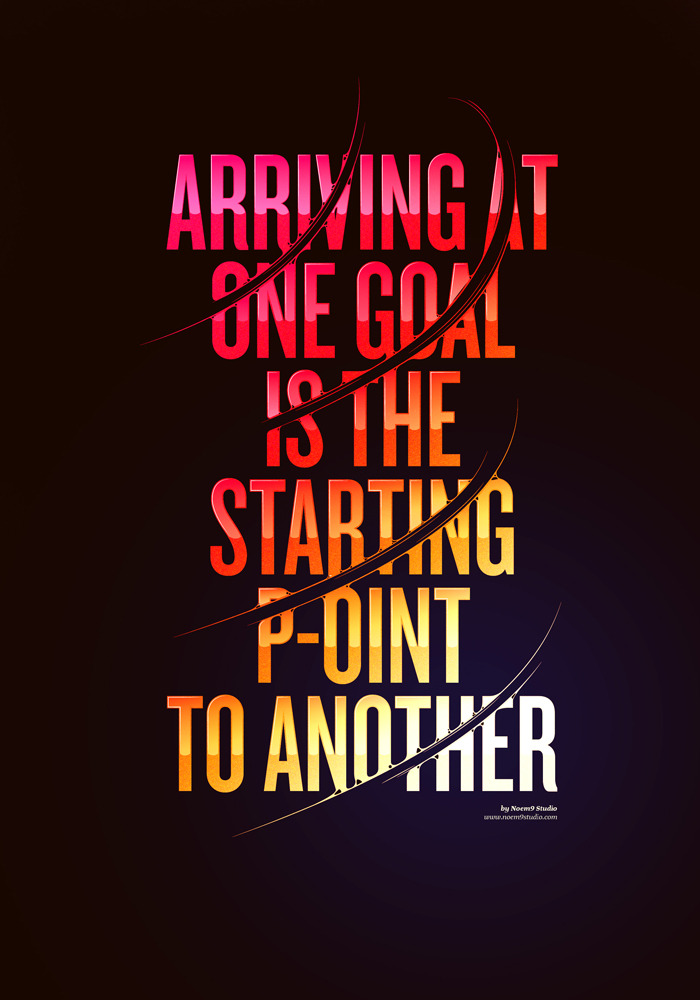
Digital art selected for the Daily Inspiration #1414

Digital art selected for the Daily Inspiration #1414

Digital art selected for the Daily Inspiration #1414

oh-my-type

Digital art selected for the Daily Inspiration #1414

Orlando Arocena

Digital art selected for the Daily Inspiration #1414

Pavel Fuksa

Digital art selected for the Daily Inspiration #1414

pipetp

Digital art selected for the Daily Inspiration #1414

Digital art selected for the Daily Inspiration #1414

Digital art selected for the Daily Inspiration #1414

qluge

Digital art selected for the Daily Inspiration #1414

Digital art selected for the Daily Inspiration #1414

Qasim

Digital art selected for the Daily Inspiration #1414

Romeu&Julieta Estúdio

Digital art selected for the Daily Inspiration #1414

scholio

Digital art selected for the Daily Inspiration #1414

sssz-photo

Digital art selected for the Daily Inspiration #1414

stbanphotography

Digital art selected for the Daily Inspiration #1414

sugarcoateddesign

Digital art selected for the Daily Inspiration #1414

swagmeeveryday

Digital art selected for the Daily Inspiration #1414

theisenmick

Digital art selected for the Daily Inspiration #1414

TheMAG.it

Digital art selected for the Daily Inspiration #1414

vikingostudios

Digital art selected for the Daily Inspiration #1414

Posted in Blog | Comments Off on Daily Inspiration #1414

How to use CSS specificity

If you plan to use CSS on a regular basis you need to develop an understanding of what specificity is and how it is applied.

Other than floats and positions, specificity may be one of the hardest things to get used to, let alone master. The selectors you use in your CSS all have different weights and those are controlled by specificity. That’s why sometimes, when you apply a rule to an element, it isn’t reflected in your design.

If you’ve ever relied on the dreaded !important keyword to hack your CSS, then this article is for you.

How a browser reads CSS

To get your foundations solid, you need know how the browser actually reads CSS and how rules are overridden.

Firstly the browser will read a stylesheet from top to bottom meaning that with this code:

/*Line 10*/
ul li a {
color: red;
}

/*Line 90*/
ul li a {
color: blue;
}

The rule you specified at line 10 will get overridden and that anchor tag will be blue because the browser will consider rules further down your CSS to hold a greater priority.

This also works with the actual order you import your css files , for example:

<link href='css/style.css' rel='stylesheet'>
<link href='css/custom.css' rel='stylesheet'>

Since you placed the custom.css after the the style.css anything you write in the style.css (discounting for now, the weight of selectors ) will get overridden and substituted for what is in the custom.css, this technique is often used by theme creators to give the user some room to add their own styles without changing the main file. (Note however that custom.css doesn’t replace style.css entirely, only those rules that are specifically overridden will be replaced.)


Specificity

Everything above only applies if you are using the same weight on every selector. If you’re specifying IDs, classes or stacking elements then you’re giving them weight, and that is specificity.

There are four categories that define the specificity level of a selector: inline styles (these ones are sometimes used by javascript), ID’s, Classes and elements. How to measure specificity? Specificity is measured in points, with the highest points value being applied.

  • ID’s are worth a 100 points.
  • Classes are worth 10 points.
  • Elements are worth 1 point.

Knowing this, if you use a selector like so:

#content .sidebar .module li a

Its total weight is 122 points ( 100 + 10 + 10 + 1 +1 ), which is an ID, two classes and two elements.

Things to remember

  • ID’s have way too much weight compared to classes and elements so you should limit the use of ID’s in your stylesheets to the bare minimum.
  • In cases where the selectors have the same weight the order they appear is reverted to, the latter being the higher priority.
  • Styles embedded in your HTML trump styles in stylesheets, because they are closer to the element.
  • The only way to override inline styles is to use the !important statement.
  • Pseudo classes and attributes have the same weight as normal classes.
  • Pseudo elements also have the same weight as a normal element.
  • The universal selector (*) holds no weight.


Examples

ul li a {
color: red;
}

This selector will hold a weight of 3 , which means that just by adding a class somewhere else, you can override it.

.content #sidebar {
width: 30%;
}

This selector has a weight of 110 points mainly because of the ID that adds 100 points of the 110 total.

.post p:first-letter {
font-size: 16px;
}

This selector has a weight of 12 points ,since the pseudo-element :first-letter only weighs 1 point and so does the p tag.

p {
font-family: Helvetica, arial, sans-serif;
}

This selector only weighs 1 point , this type of selector should be used at the top of the page when you marking the basic styles that later on may be overridden for specific areas.

Always bear in mind that to override an ID selector you have to write 10 classes (or 100 elements) for the same element , like so:

/* 100 points / Line 10 */
#title {
font-weight: bold;
}

/* 100 points / Line 100 */
.home .page .content .main .posts .post .post-content .headline-area .wrapper .title {
 font-weight: normal;
}

Only this way will the second selector beat the one using the ID.


Conclusion

Specificity isn’t a flashy aspect of CSS, but in my opinion it’s the area most overlooked. Getting your specificity right not only helps you avoid bugs, but it will speed up both your development and your final site.


Do you overuse IDs when writing CSS? Do you ever fall back on !important? Let us know in the comments.

Featured image/thumbnail, precision image via Shutterstock.

The Cross Browser Handbook – only $14!

Source

Posted in Blog | Comments Off on How to use CSS specificity